
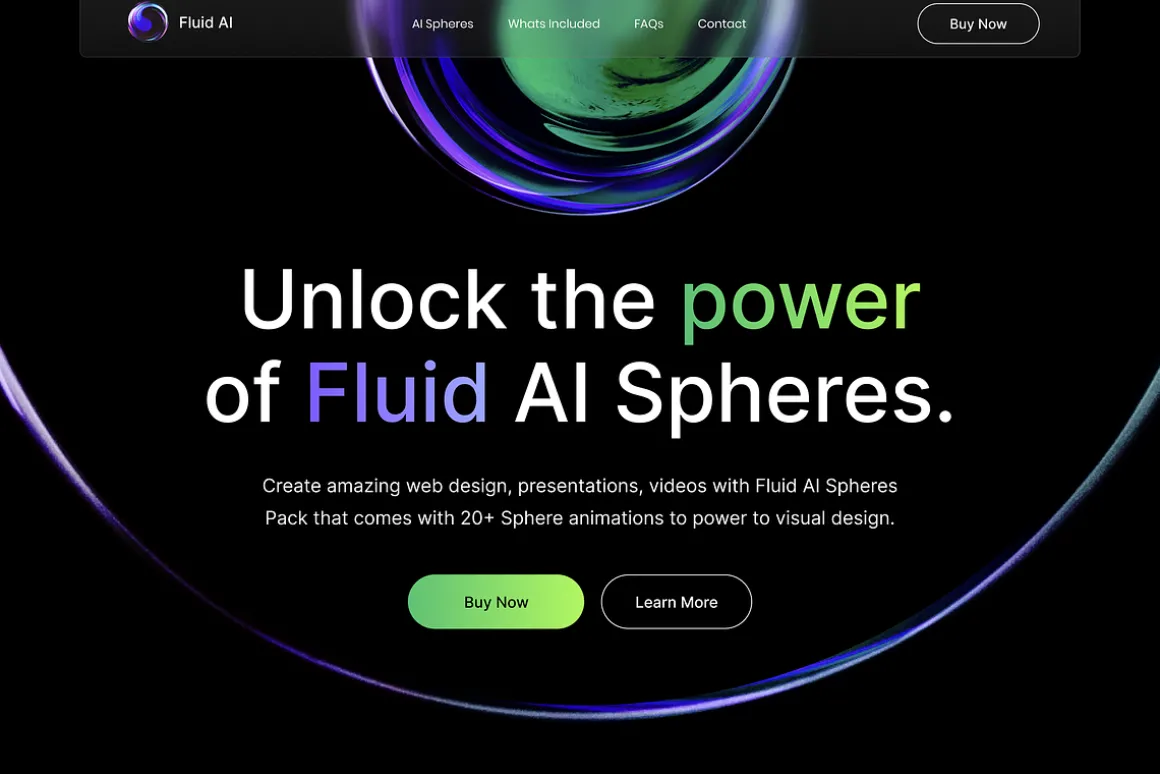


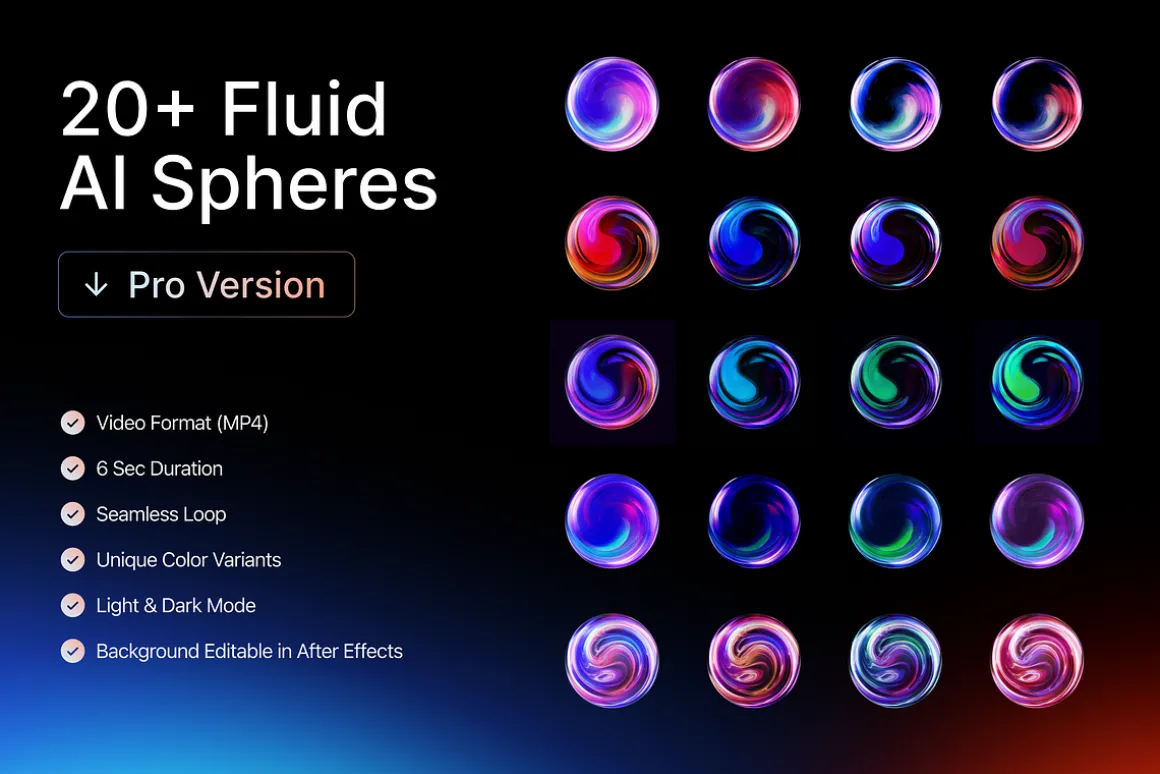


20+ Fluid AI Spheres 4K Backgrounds
24,99 $
About
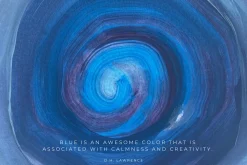
Create stunning pages with Fluid AI Spheres with dark and light backgrounds.
20 Seamless animation loop with black and white backgrounds in video format (mp4).
DEMO:
Highlights:
- 20 Animated video backgrounds
- Video Format (MP4)
- 6-sec duration
- Seamless loop
- Unique Color Variants
- Light & Dark Mode
- After Effects Template*
Sizes:4K (Video Editing):– 4K (4800×2700)
Web Design:– 4K Wide (4800×2700)– Square (1500×1500)
FAQs:
How can we use the video on the website?Yes, Just use the video tag in your HTML and give it the video link. You can use 1500x1500px square video for the website.
Can we remove the black or white background around the sphere when using it for the website?To remove the background from the video on the website, use the video with a square aspect ration (1500x1500px). Then use the border-radius:9999px; property to hide the edges and background around the sphere.
Does the video work as a background on Webflow?Yes, you can easily embed the video as a background. Click on ‘Add Elements (A)’, then scroll down to the ‘Advanced’ section, then select the ‘Video Background’ and upload the video from the Square 1500×1500 folder. Adjust the properties to get the desired size and result.
Does the video work as a background on Framer?Yes, background videos are also supported on the framer.
* Note: After Effects file only lets you change the background layer color, you can’t change individual colors of the sphere since the spheres are pre-rendered animations. All animations are rendered as mp4 videos inside the After Effects file. You can use the hue effect in After Effects to change the sphere color.
| Size | Commercial, Extended Commercial, Personal |
|---|
Be the first to review “20+ Fluid AI Spheres 4K Backgrounds”
Related products

Collage


Graphics
Graphics


Clip Art

Chevron

Graphic Styles


Graphics

Graphics & Illustrations


Collage


Graphic Styles


Graphics & Illustrations

Cartoon

Graphics & Illustrations
Collage

Graphics
Reviews
There are no reviews yet.