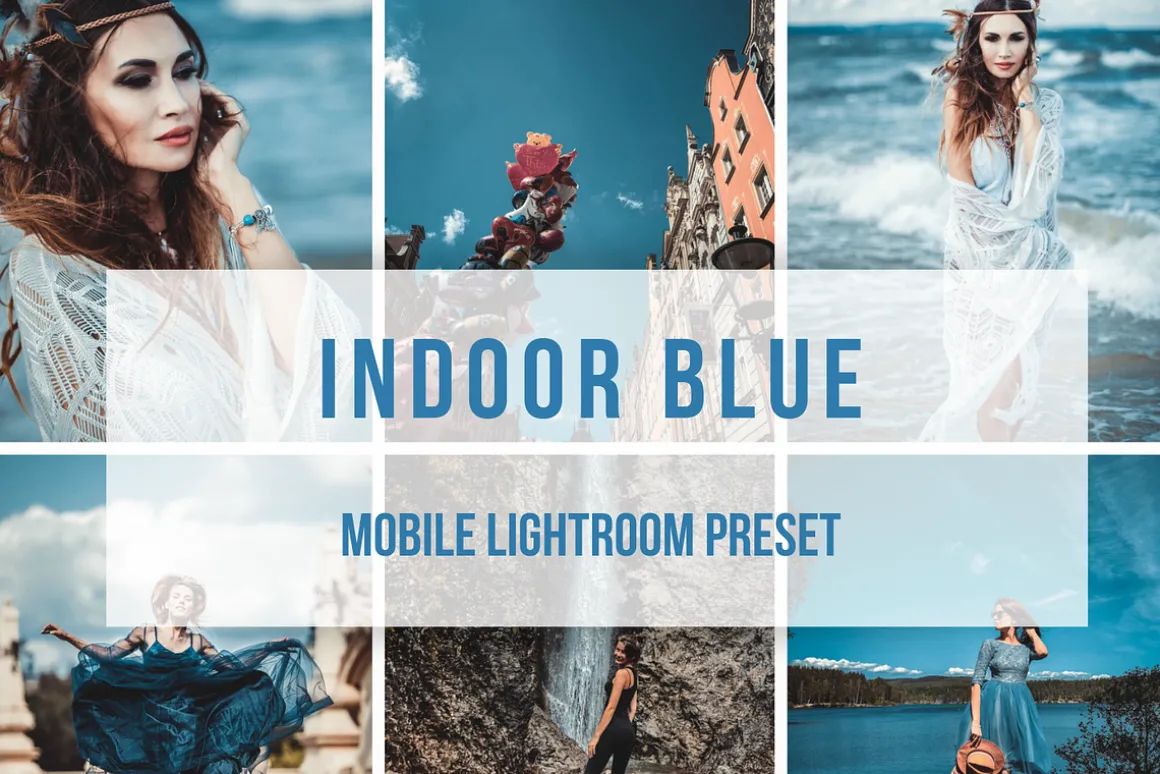


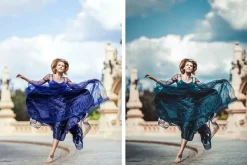

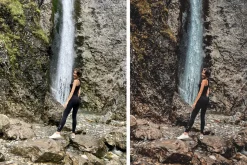
Lightroom Mobile Preset Indoor BLUE
6,89 $
About
🔸THIS IS A SINGLE PRESET IN .DNG FORMAT AND CAN BE USED IN LIGHTROOM MOBILE ONLY
-
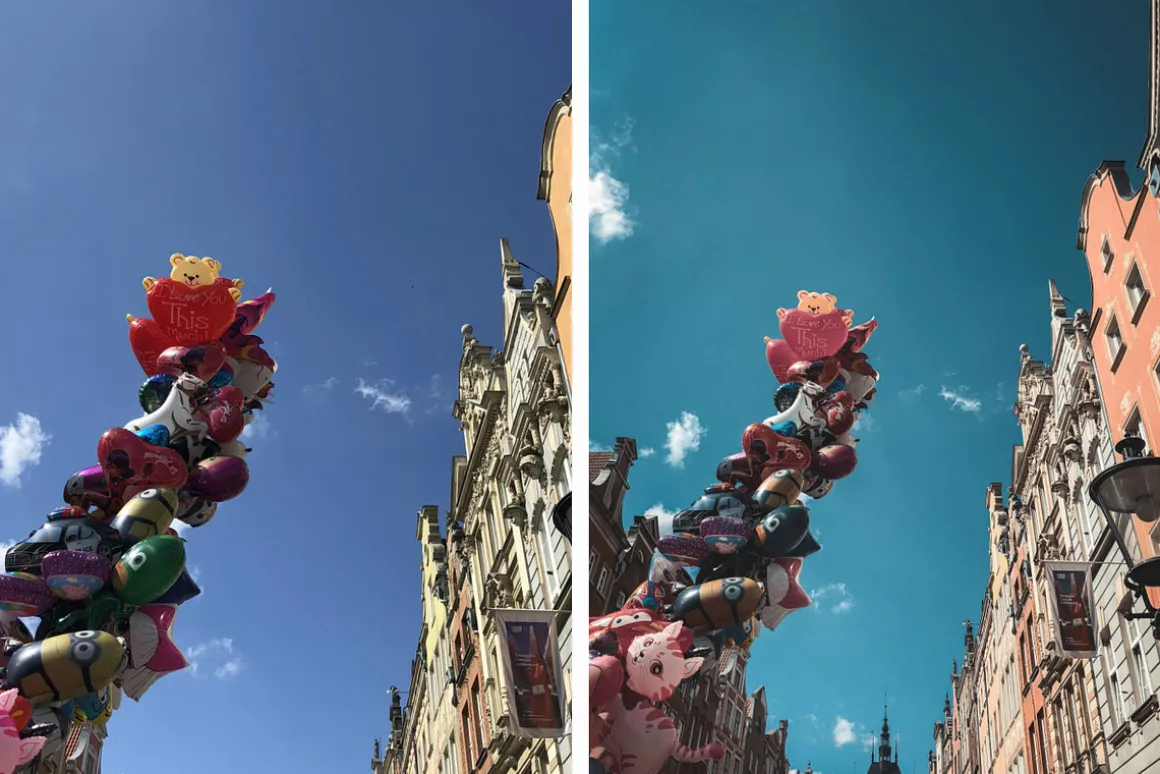
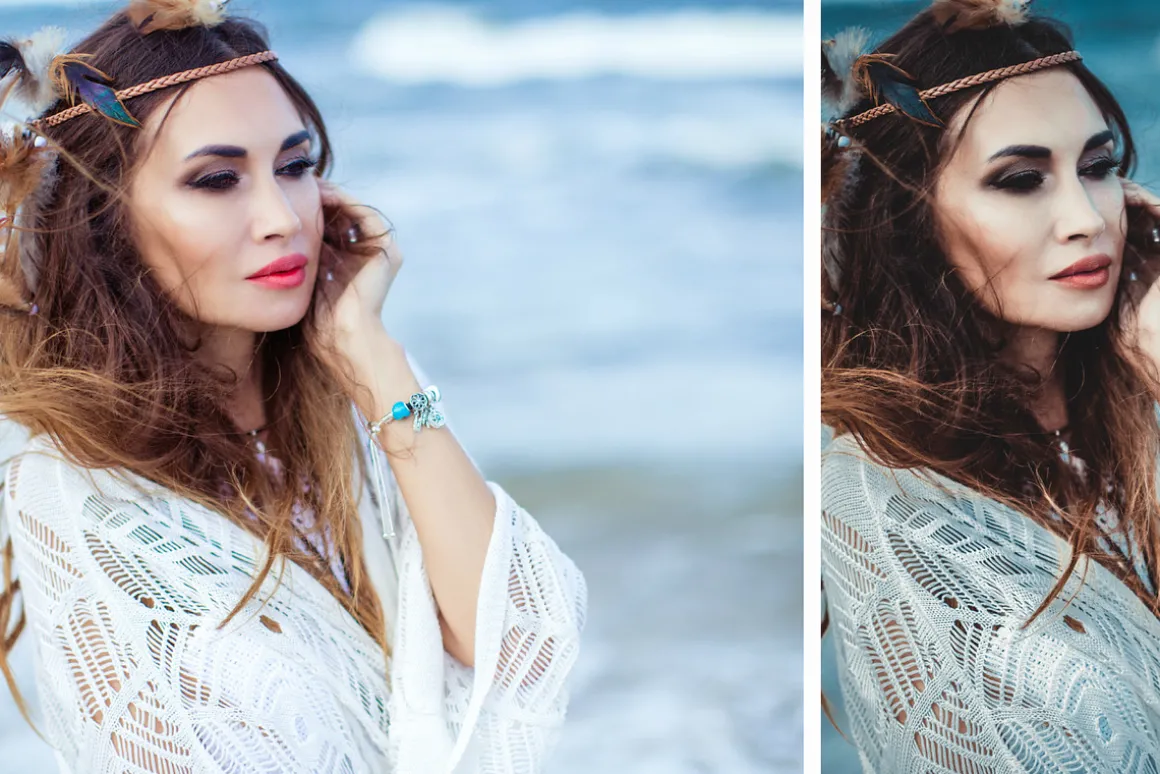
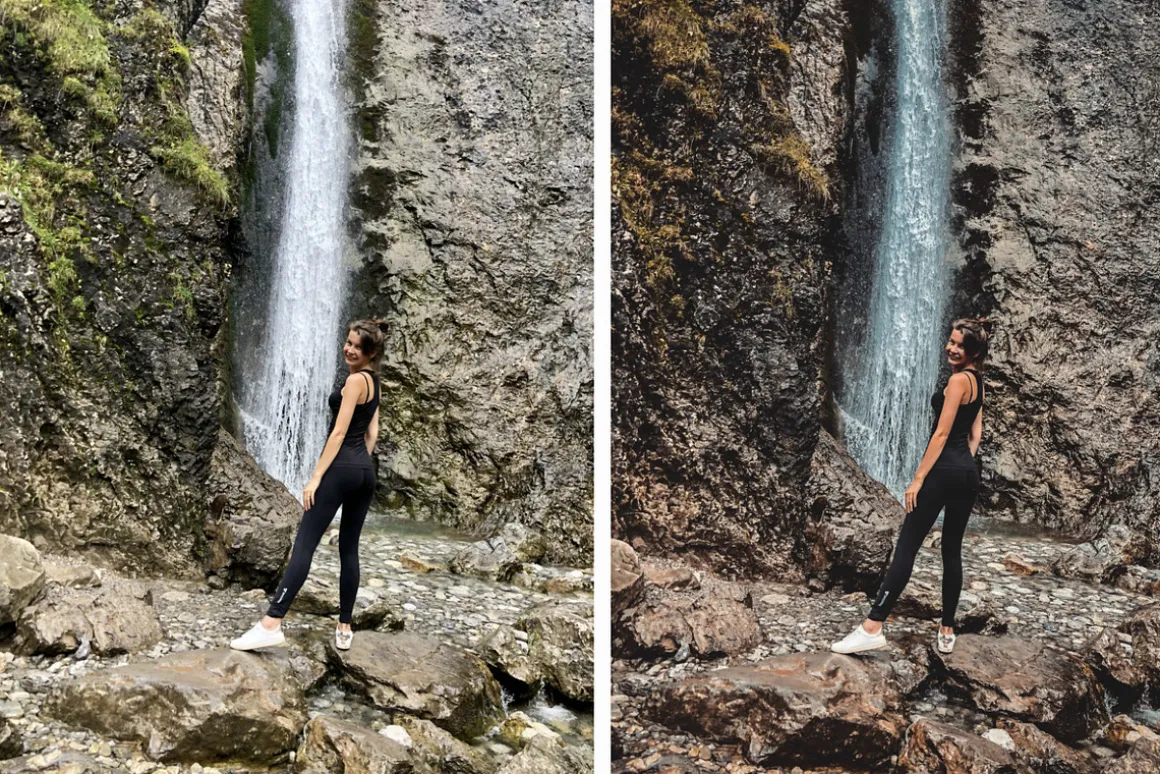
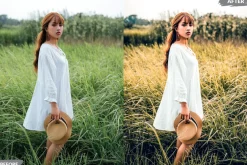
This Preset in blue colors are perfect for your Lightroom Mobile and work well with your photoswith your iPhone or Android.
-
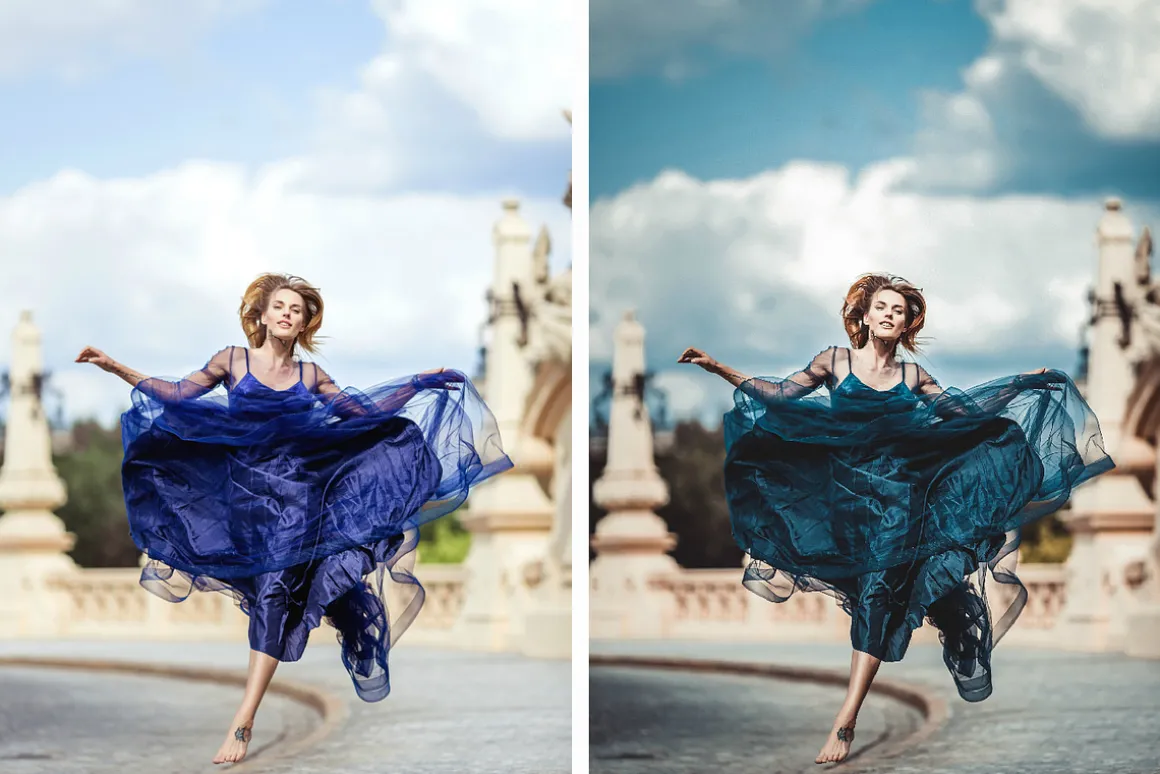
This Preset will be good work with photos from the sea, blue sky and another blue colors ( for example your blue dress will can have a cool tint 🙂 )
-
If you have MOBILE LR on phone – you can use my presets. If you have’t – you can install, its easy.
-
These presets will be compatible with your photos from your phone.
🔹 ___ What included? ____
1 LIGHTROOM MOBILE PRESET .DNG file
DOWNLOAD AND INSTALL DIRECTLY ON YOUR PHONE 🙂
🔹 How to Install & use our Lightroom Mobile Presets ____
1) Uploadmy .dng file to your Cloud storage (for example Dropbox)
2)OpenLightroom for Mobile
3) In Lightroom select the picture with preset you want to use, and then click the “ …” dot menu on the top right and select “Copy Settings” then OK. This will copy the Preset settings to be used on your future images.
4) Click onSelect All,then unselectCropsetting and click onOKbutton
5) Choose a picture you would like to edit in Mobile Lightroom
6) With the image selected, you’ll want to touch the “…” once more, but instead of selecting “Copy Presets”, you’ll instead want to select “Paste Settings”and OK. This should “apply” the Preset to your image.
🔺Enjoy your beautiful photos! 😉
🔺If you have questions or need help – write me please.
| Size | Commercial, Extended Commercial, Personal |
|---|
Be the first to review “Lightroom Mobile Preset Indoor BLUE”
Related products

Brushes
Adobe Photoshop

Brushes & Effects


Adobe Illustrator

Brushes & Effects
Adobe Illustrator

Brushes
Brushes & Effects
Brushes & Effects
Brushes & Effects
Brushes

Brushes & Effects
Brushes
Adobe Photoshop
Reviews
There are no reviews yet.