
Marker Studio | Procreate Brushes
Original price was: 17,00 $.12,89 $Current price is: 12,89 $.
About
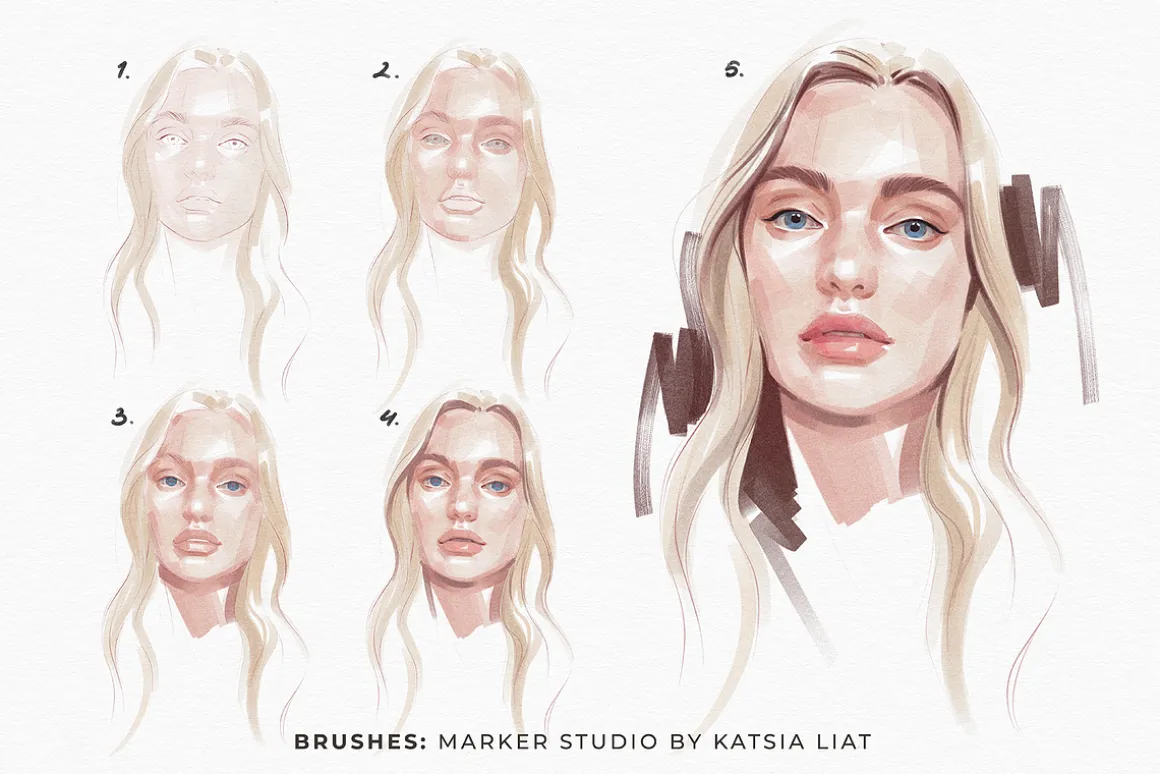
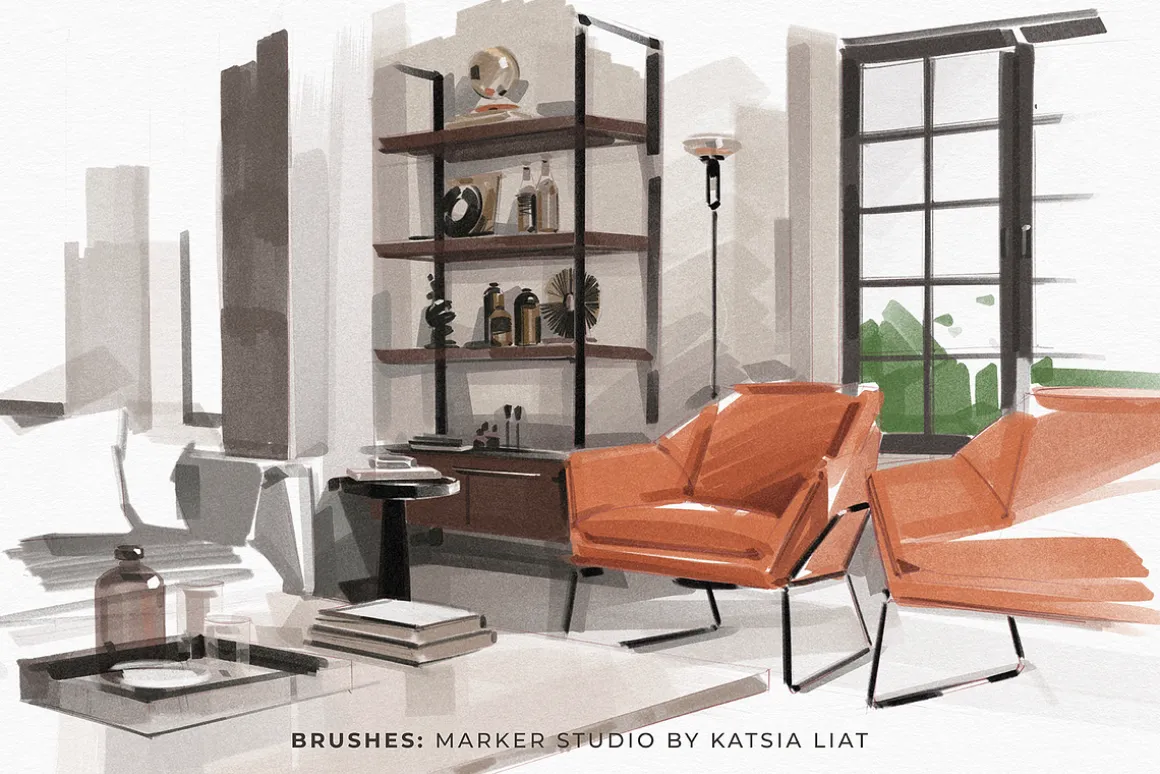
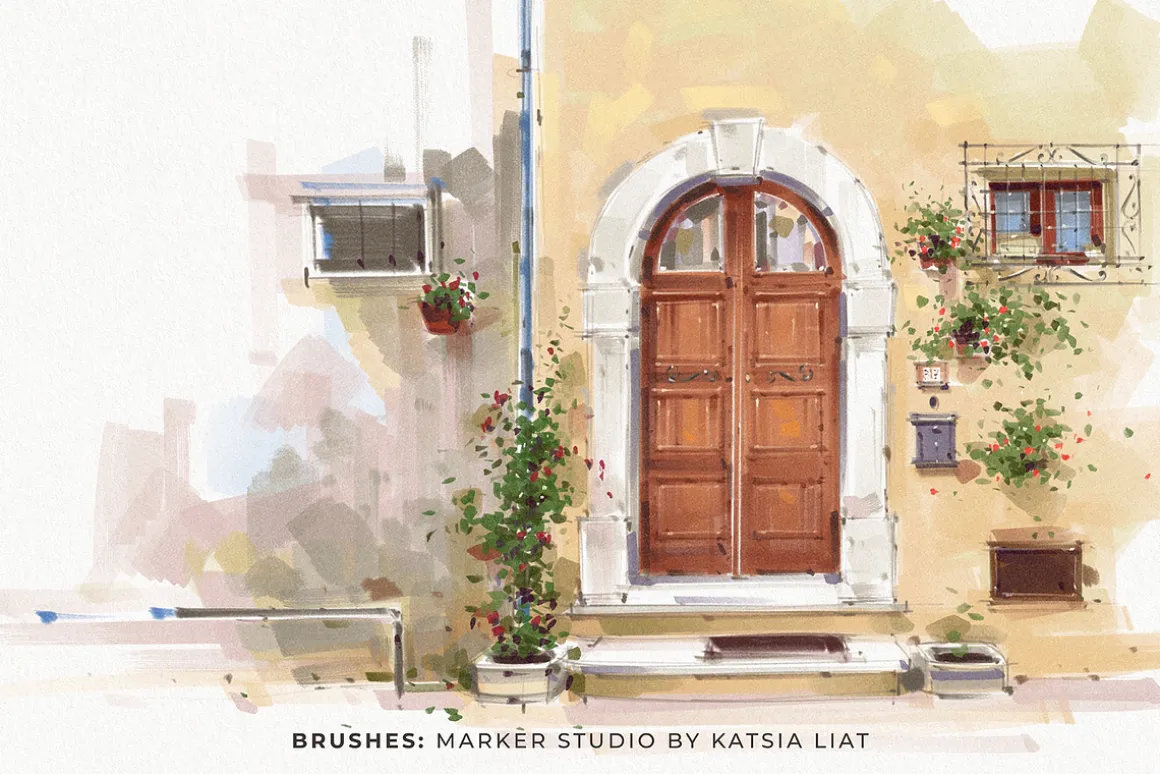
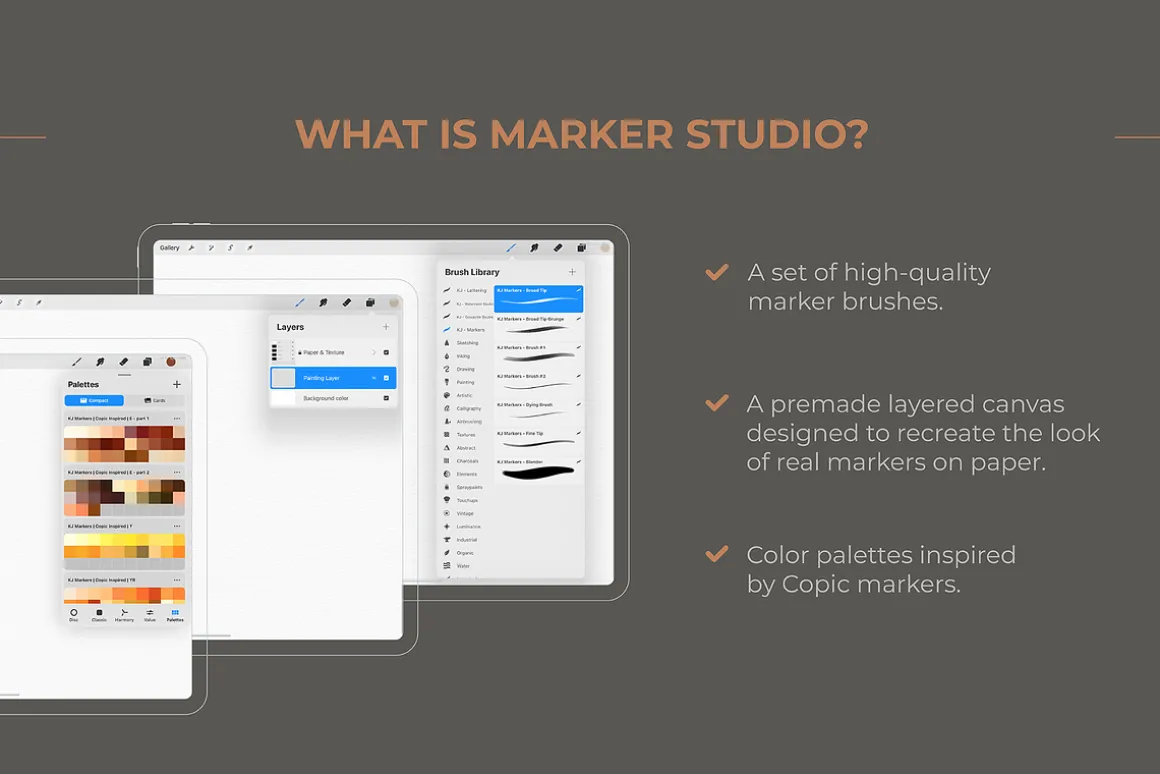
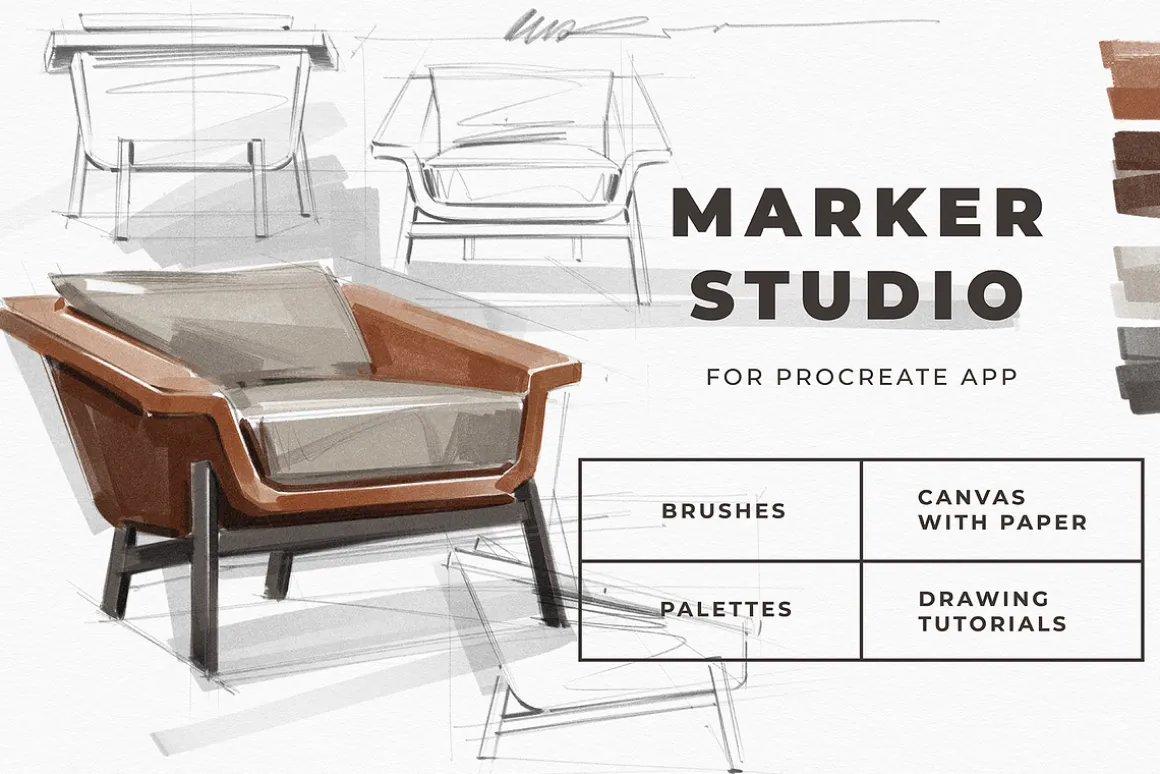
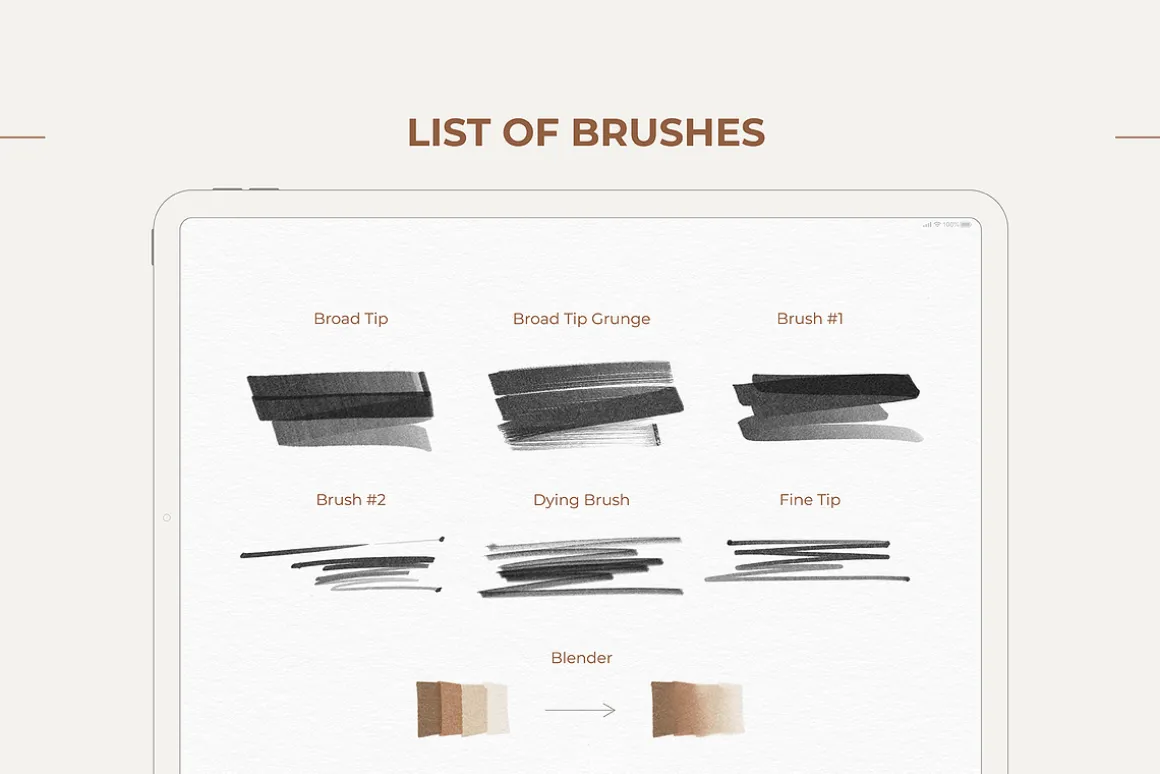
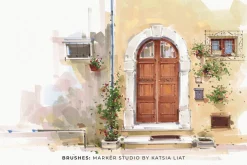
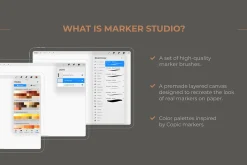
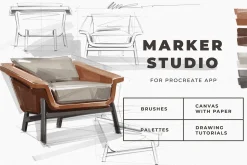
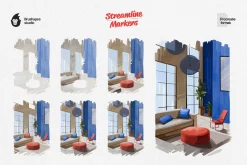
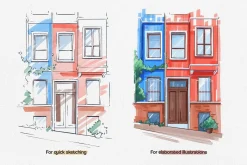
Marker Studio is a remarkable collection of Procreate marker brushes and paper that brings the realism and appeal of alcohol-based markers to your Procreate toolkit. Marker Studio recreates the experience of drawing with popular marker brands such as Copic markers. This kit offers a carefully curated selection of brushes to cover all your marker brush needs:
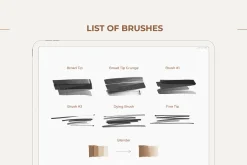
- Broad Tip: Mimics the strokes of a chisel tip marker.
- Broad Tip Grunge: Adds a textured and rugged look with a ragged chisel stroke.
- Brush #1 and Brush #2: Imitate the strokes of a marker brush tip.
- Dying Brush: Creates the effect of a dried-out marker, perfect for sketch lines.
- Fine Tip: Replicates the precision of a bullet tip marker.
- Blender: Helps blend colors seamlessly for smooth transitions.
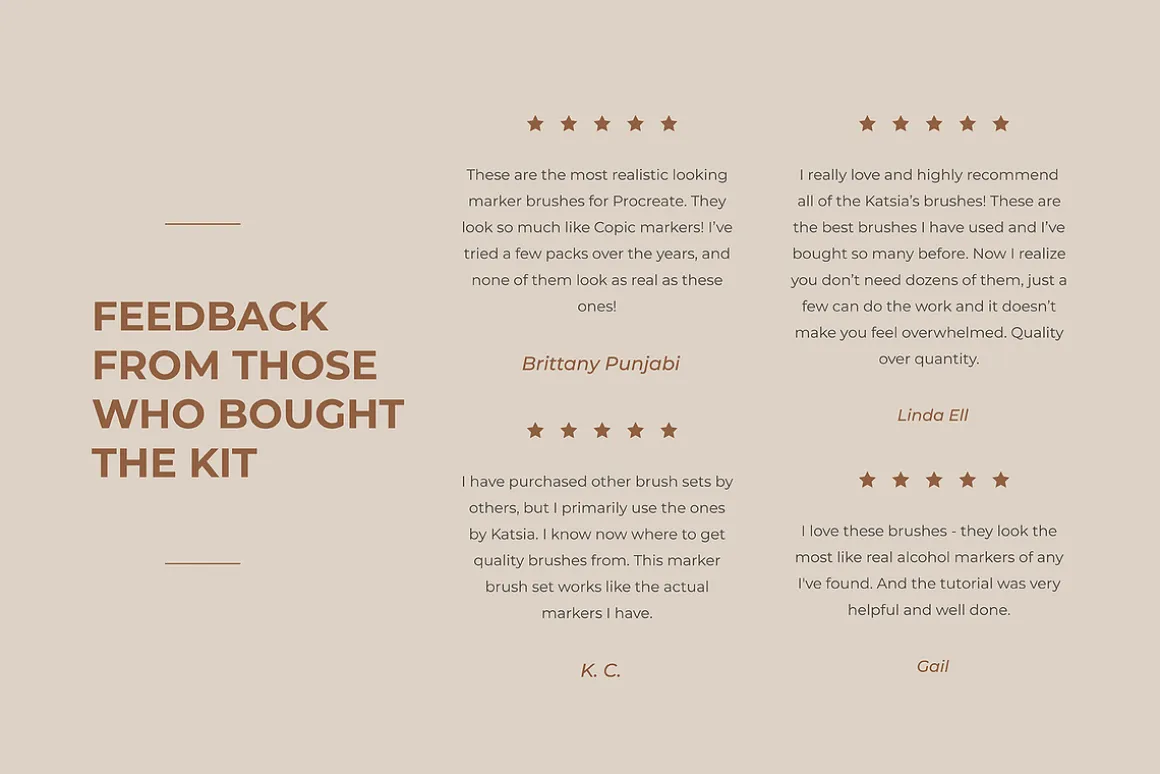
THE FEEDBACK FROM MY CUSTOMERS SPEAKS FOR ITSELF:
“Incredibly easy to install and get straight to creating with these amazing marker brushes! Tested each brush and was delighted with every option. The included canvas has a very realistic texture and makes the artwork pop.”
“These are the best brushes I have used and I’ve bought so many before. Now I realize you don’t need dozens of them, just a few can do the work and it doesn’t make you feel overwhelmed. Quality over quantity.”
“I deleted all the other Copic/Alcohol brush sets I bought. This is all you need.”
“I was really uncertain if I should buy some accessory from internet that is even more expensive then the whole application itself. But I am so glad I did it.”
WHAT’S INCLUDED:
- 7 brushes (.brushset file)
- 1 layered A4 canvas – 2480 × 3508 px, 300 DPI, RGB (.procreate file)
- 18 color palettes matching the Copic marker color range (.swatches files)
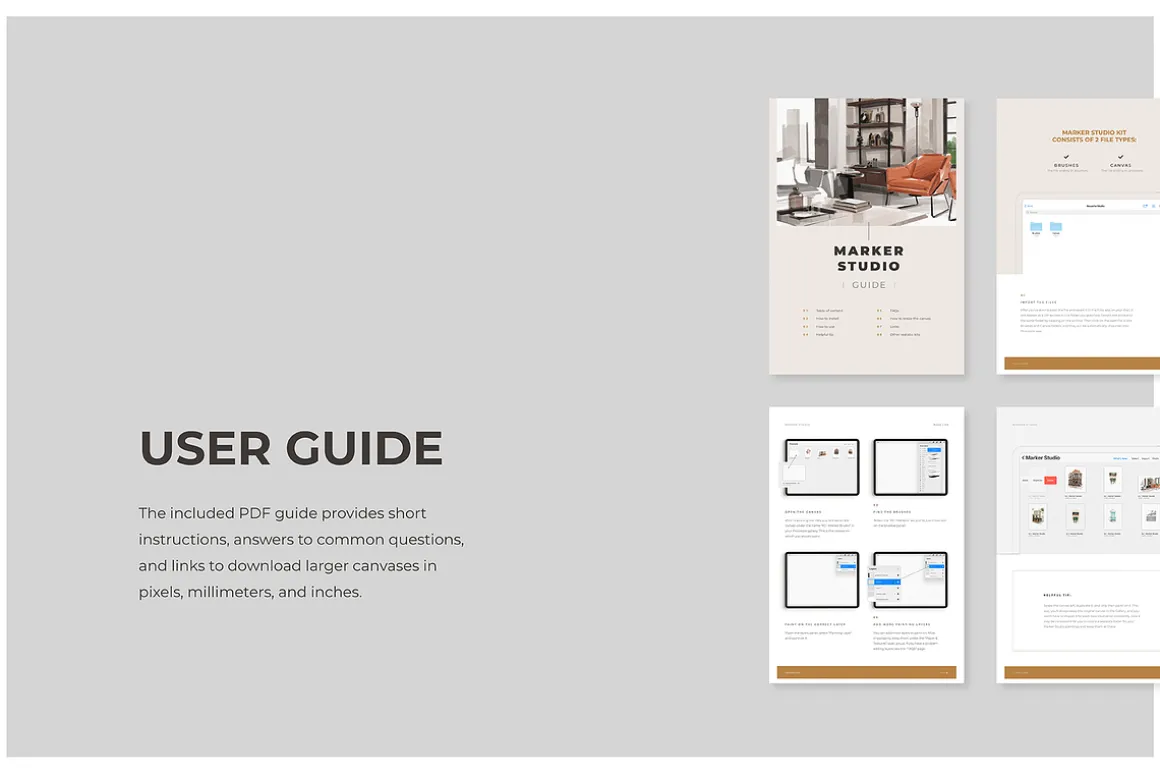
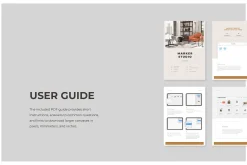
- PDF User Guide including:
- short instructions on how to use
- answers to frequently asked questions
- links to download larger canvases in px, mm, and inches (A2 size, RGB and CMYK), allowing you to crop the canvas to the size you need
- PDF file with links to free drawing tutorials for getting started with the brushes.
INSTALLATION
- Download the files to the files app on your iPad
- Tap on the file to extract it
- Read the PDF Guide for further instructions.
❗️This kit is only suitable for Procreate App and works well on iPad with Apple Pencil. It won’t work in Adobe Photoshop or any other software.
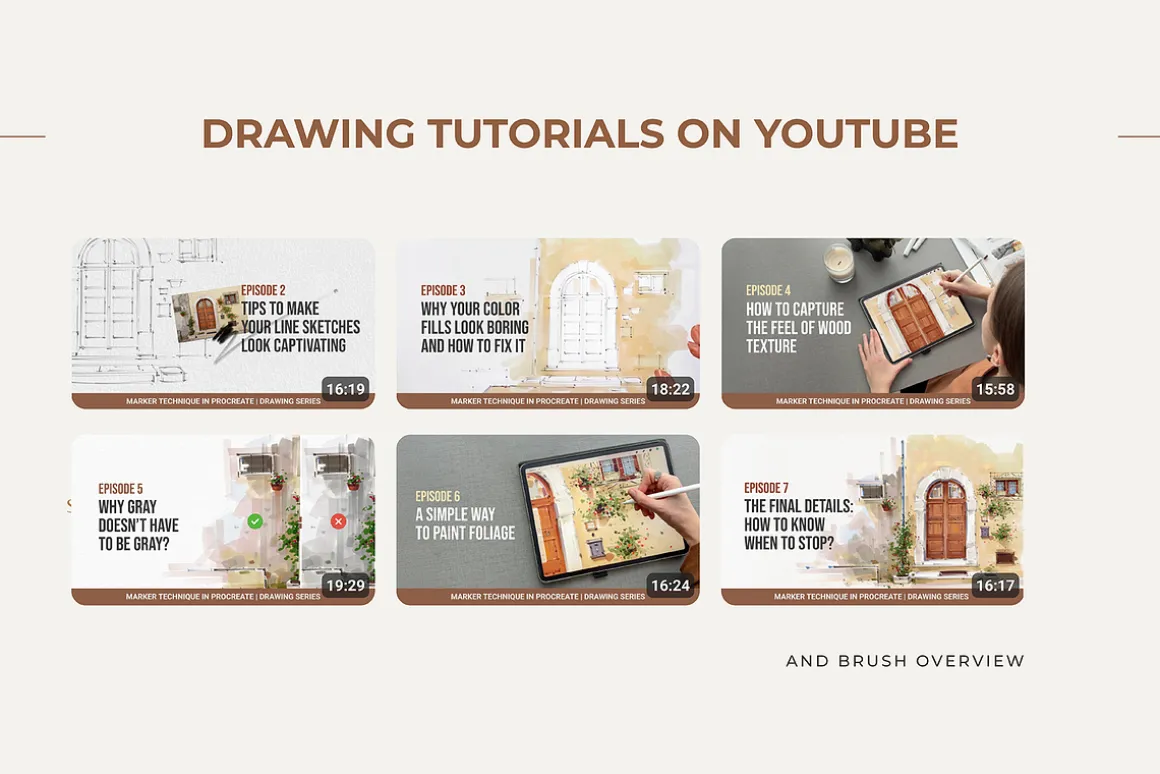
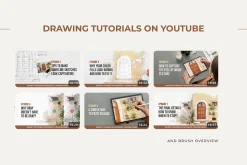
Visit my YouTube channel Katsia Liat to watch drawing tutorials and brush demonstrations created with Marker Studio. These videos can help you better understand how the brushes behave and how to use them in your illustrations.
HAPPY CREATING!
| Size | Commercial, Extended Commercial, Personal |
|---|
Be the first to review “Marker Studio | Procreate Brushes”
Related products

Brushes & Effects

Brushes
Brushes


Brushes & Effects
Brushes
Brushes & Effects

Adobe Illustrator
Brushes

Adobe Lightroom
Brushes & Effects
Adobe Lightroom
Brushes
Adobe Illustrator
Brushes
Reviews
There are no reviews yet.