





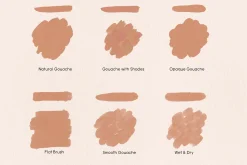
Realistic Gouache Brushes Procreate
10,89 $
About
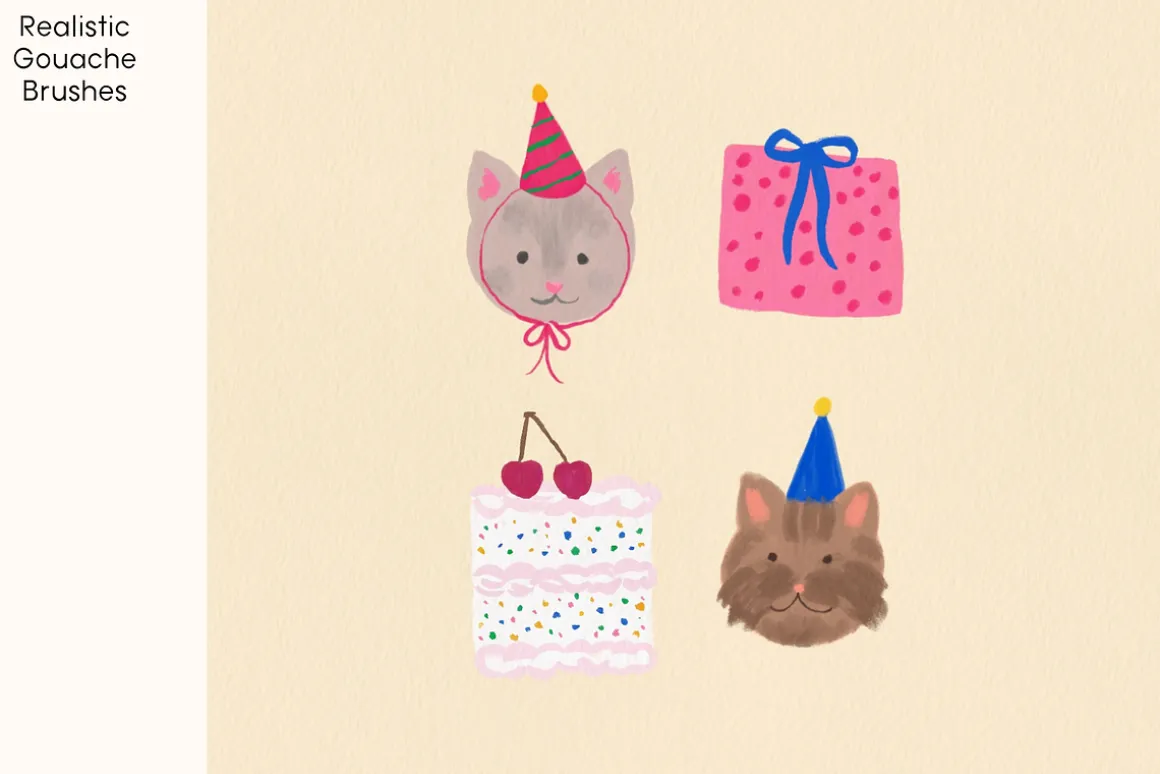
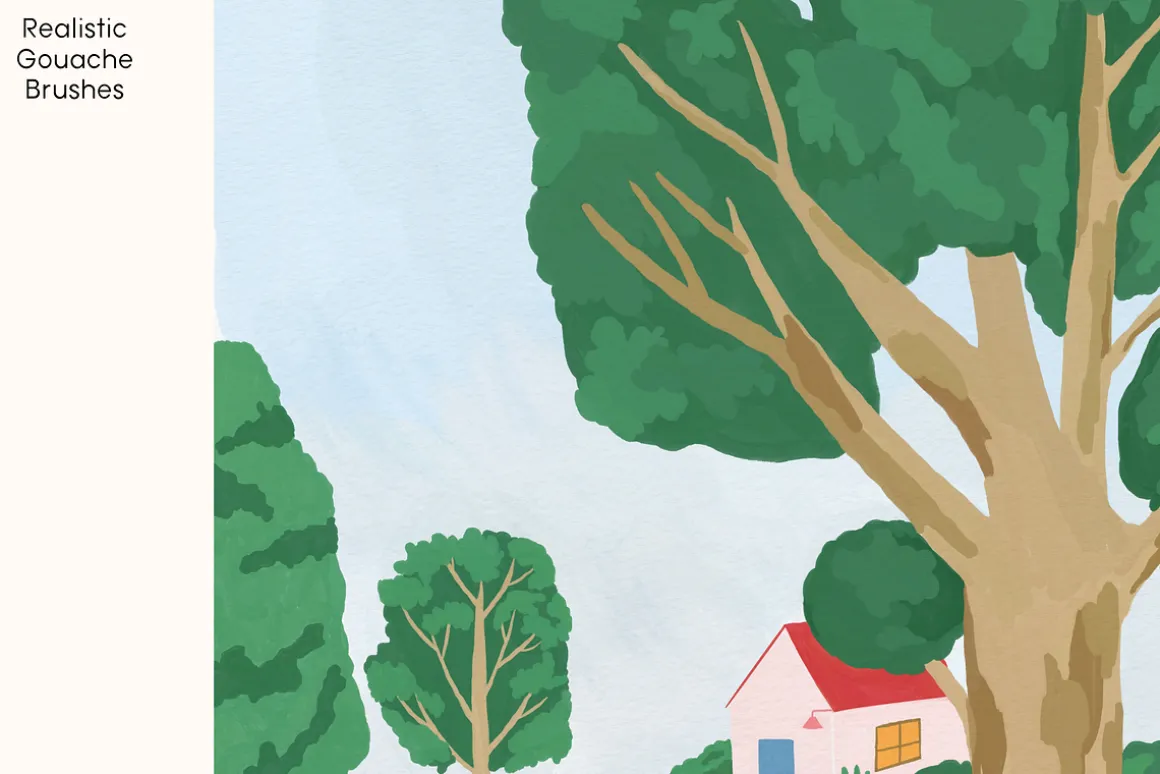
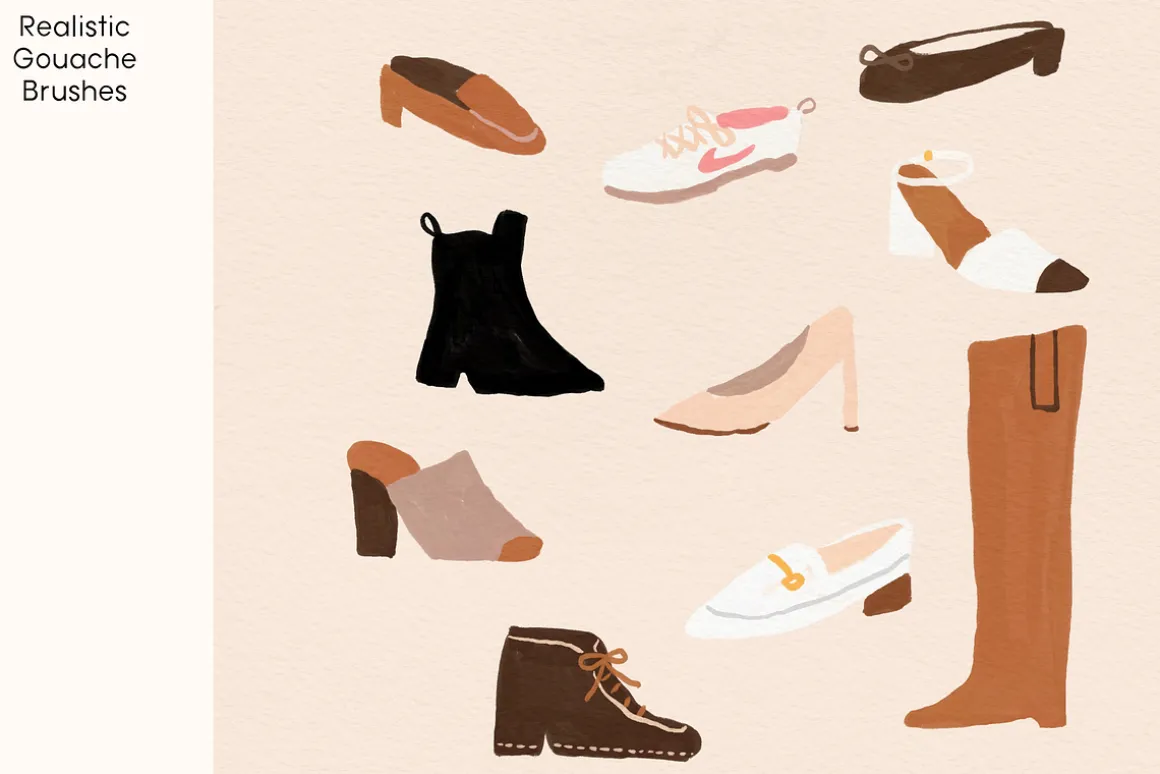
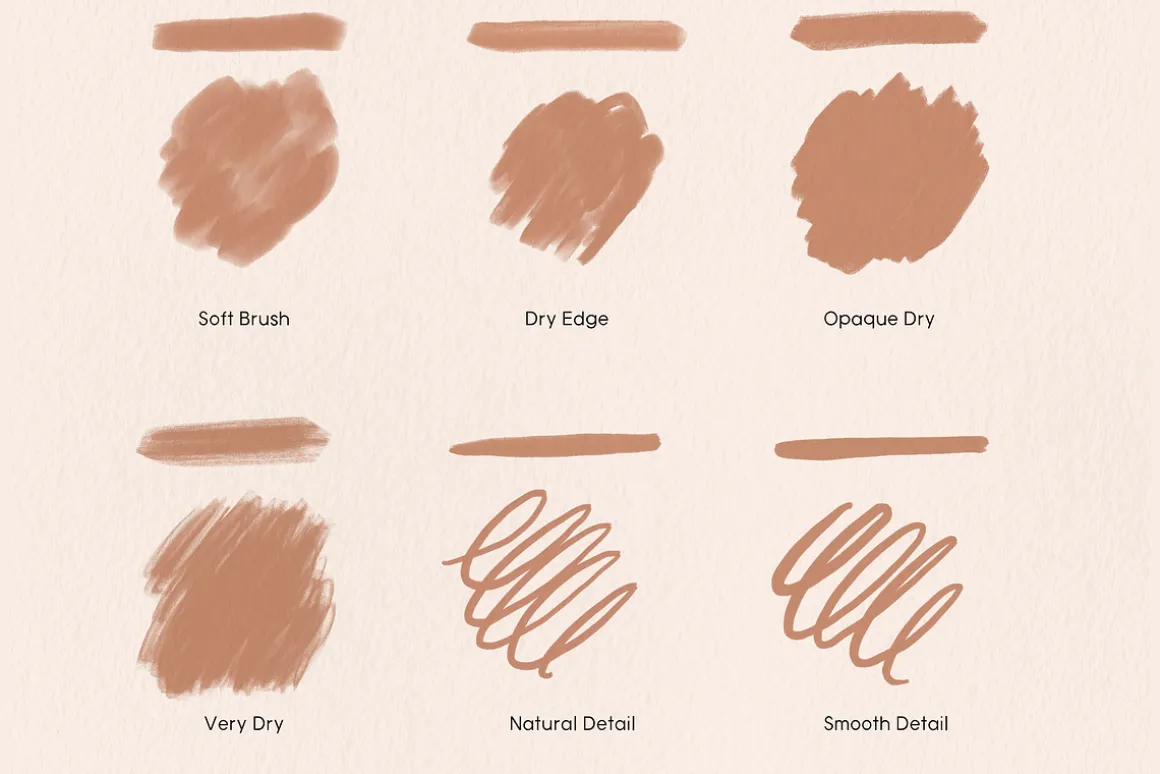
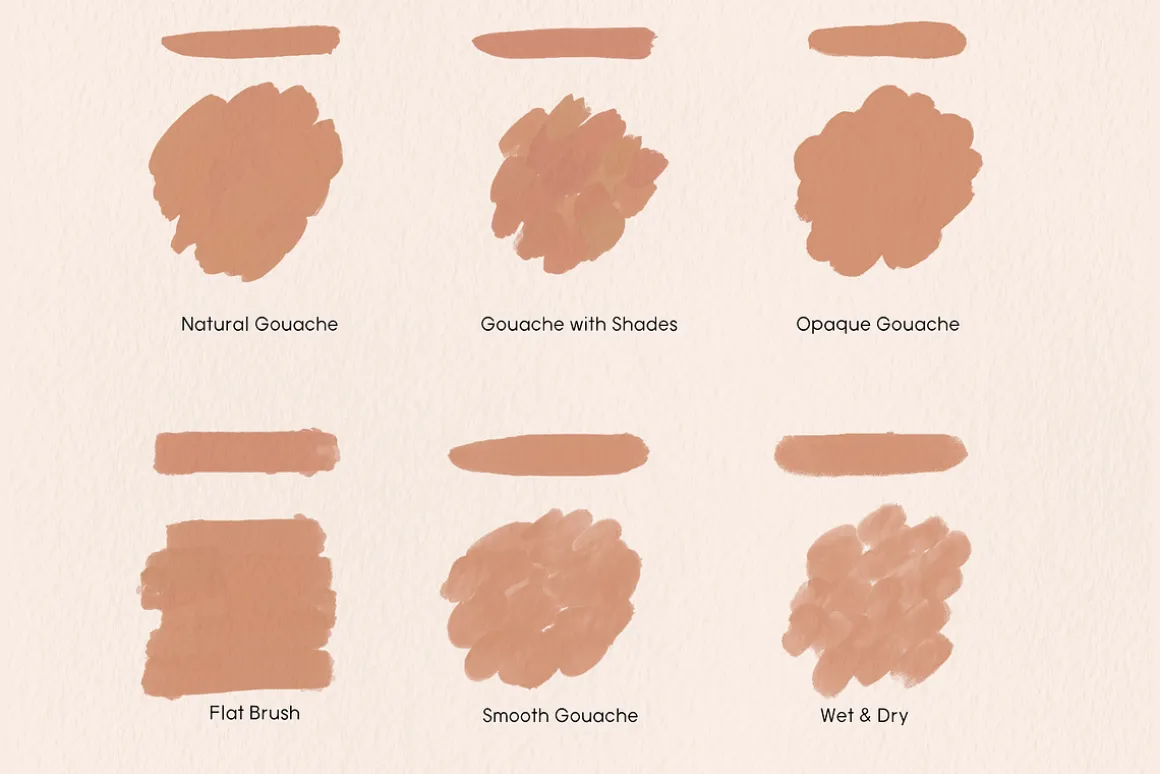
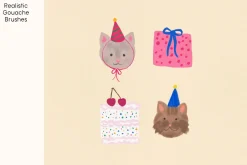
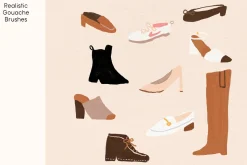
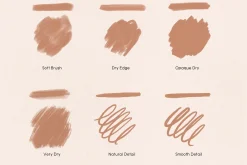
12 Realistic Gouache Brushes for Procreate
You Will Get
- 12 Procreate Brushes in ‘Tina_Gouache.brushset’ file.
- 1 Paper texture File (JPEG)
How To Import Brushes
- Download the Brush File. Your downloaded brush file might be in your Downloads folder or another location on your device.
- Open Procreate and Create a New Canvas.
- Access the Brushes Panel: Tap on the brush icon on the top toolbar to open the Brushes panel.Tap the “+” Icon:
- Choose the “Import” option. Navigate to the location where you downloaded the brush file, and select it.
| Pick | Commercial, Extended Commercial, Personal |
|---|
Be the first to review “Realistic Gouache Brushes Procreate”
Related products

13,99 $
Sale!
Brushes
Original price was: 11,00 $.7,89 $Current price is: 7,89 $.


Brushes & Effects
6,99 $
Sale!

Adobe Photoshop
Original price was: 12,00 $.8,89 $Current price is: 8,89 $.

Brushes & Effects
8,89 $

Brushes & Effects
6,89 $

10,89 $
Sale!


Brushes
Original price was: 44,00 $.32,99 $Current price is: 32,99 $.
Sale!
Original price was: 14,00 $.10,99 $Current price is: 10,99 $.
Sale!


Brushes & Effects
Original price was: 15,00 $.10,89 $Current price is: 10,89 $.
Sale!

Brushes & Effects
Original price was: 9,00 $.6,89 $Current price is: 6,89 $.
Brushes & Effects
10,99 $
Sale!

Adobe Illustrator
Original price was: 22,00 $.16,89 $Current price is: 16,89 $.
Sale!


Adobe Lightroom
Original price was: 14,00 $.10,99 $Current price is: 10,99 $.
Sale!
Adobe Photoshop
Original price was: 14,00 $.10,89 $Current price is: 10,89 $.

Brushes & Effects
6,99 $
Reviews
There are no reviews yet.