






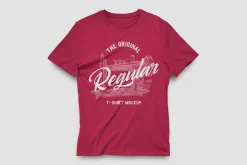

Regular T-Shirt Mockup
Original price was: 12,00 $.8,89 $Current price is: 8,89 $.
About
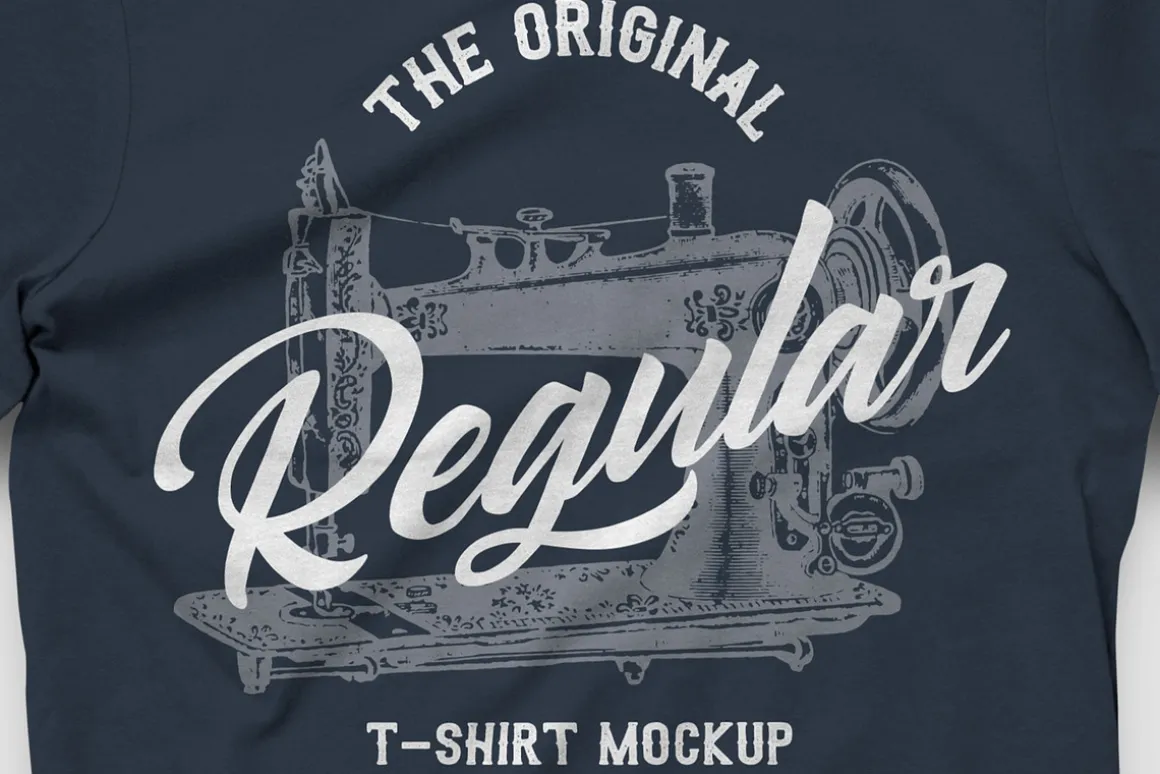
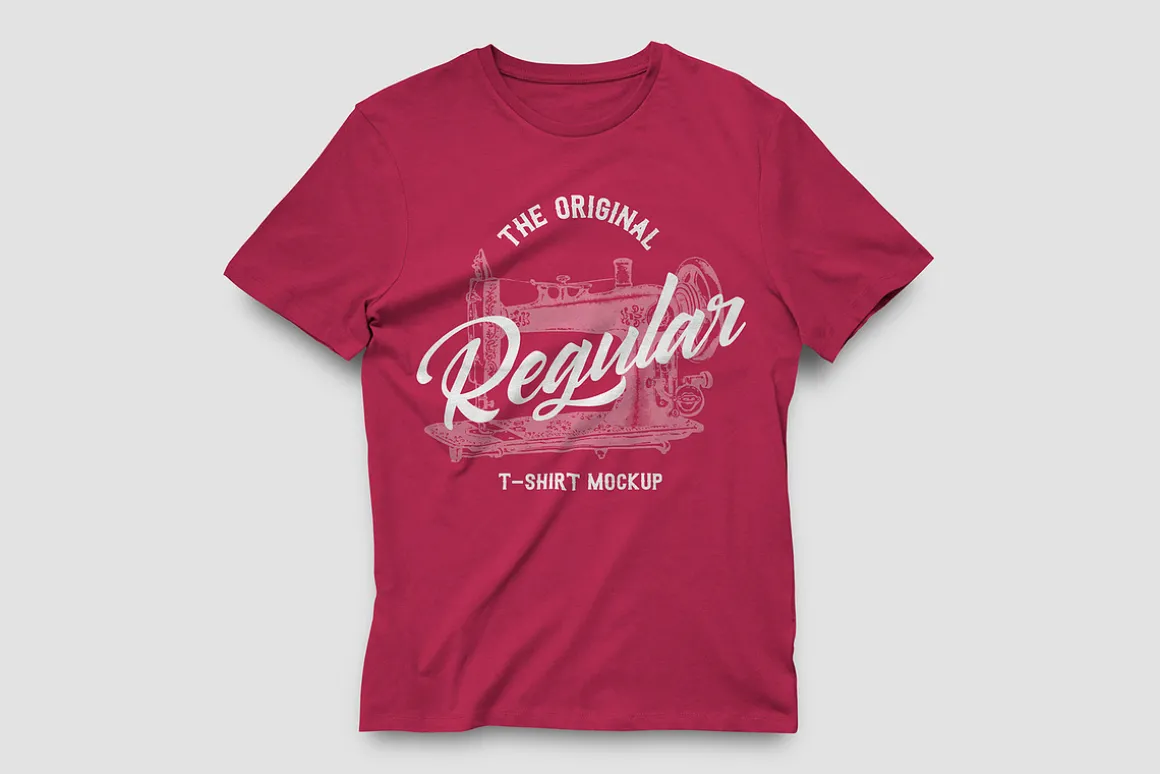
This classic mockup for Photoshop features a regular fit, adjustable color cotton t shirt with screen print design. This simple high resolution tee mock-up is perfect for anybody looking for quick and easy way to showcase their custom designs.
When you download this package you will find a single .psd file for the mockup and a displacement map file. After you open the mockup in Photoshop you can replace the sample graphics on the t-shirt with your own custom design and change the color of the hoodie material to literally any shade you want.
How to update the design:
- Open ‘Regular T-Shirt Mockup.psd’ in Photoshop CS6 or newer
- Double click on the [YOUR DESIGN HERE] layer thumbnail
- Replace the placeholder artwork with your own graphics
- Save and close the Smart Object
- If you get an error in step 4, find the layer [YOUR DESIGN HERE] smart object and expand the fx dropdown
- Double click on the Displace filter
- Click OK and manually locate the Displacement Map.psd file
Note on Displacement Maps:If you get an error when updating the smart object, or if the design is not conforming to the texture of the t-shirt, you probably need to tell Photoshop where the displacement file is located. Expand the fx dropdown on the T-Shirt smart object layer, double click on Displace and click OK, then open the displacement map file included with the download.
HELP & SUPPORT:
All of our items include complete product support. Please send us a message on creative market if you have any issues, contact us through our website:or view our FAQ here:for answers to common questions.
Thank you!
~ Medialoot
| Size | Commercial, Extended Commercial, Personal |
|---|
Be the first to review “Regular T-Shirt Mockup”
Related products
Holidays & Events

Books & Magazines



Photoshop
Job Search

Magazines

Landing Pages
Cvs


Templates


Device Mockups

Powerpoint

Holidays & Events
Device Mockups
Device Mockups
Reviews
There are no reviews yet.