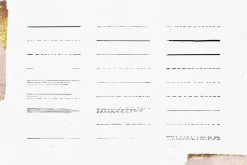
Retro Ink AI Brushes
Original price was: 52,00 $.36,99 $Current price is: 36,99 $.
About
These brushes compatible only with AI!
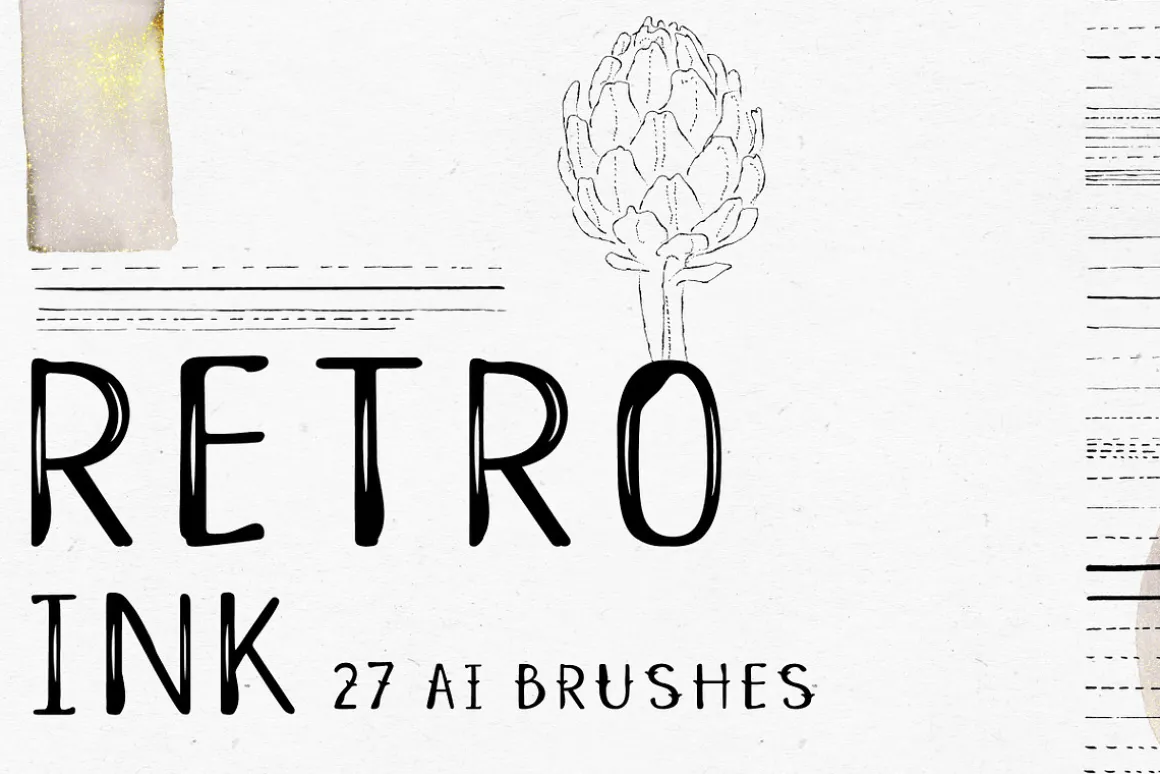
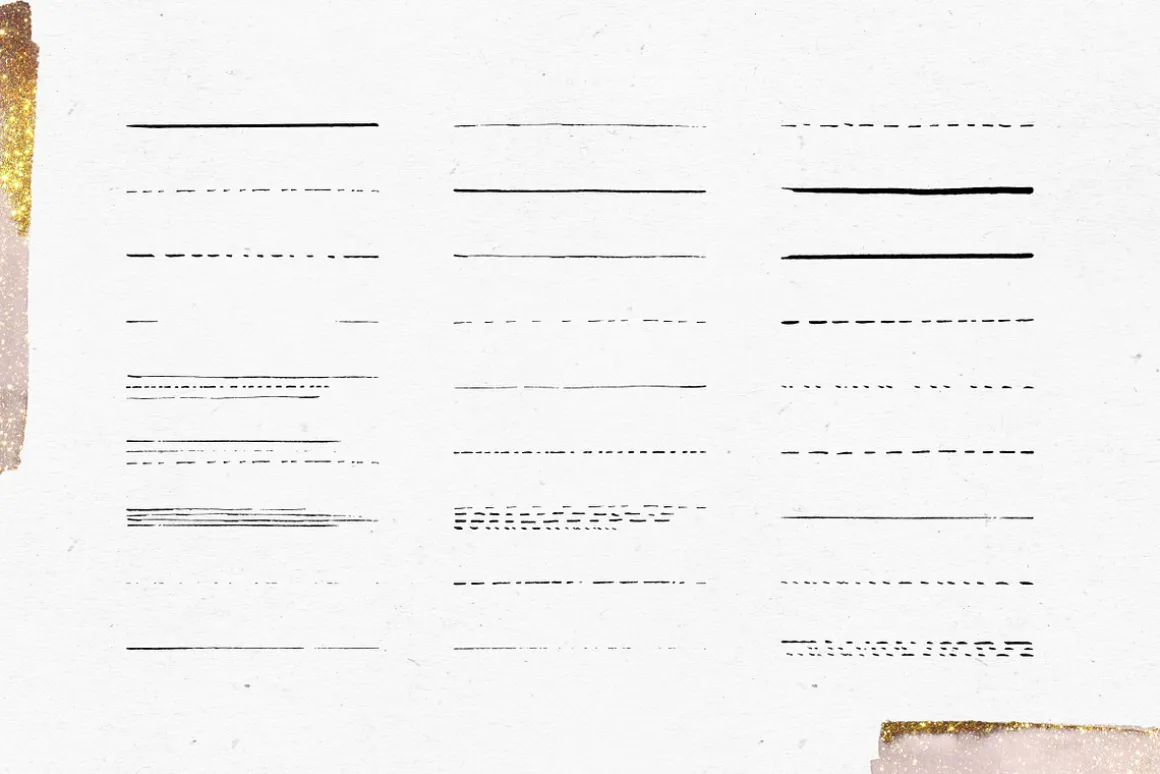
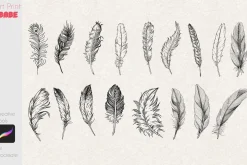
27 vector retro style ink brushes.
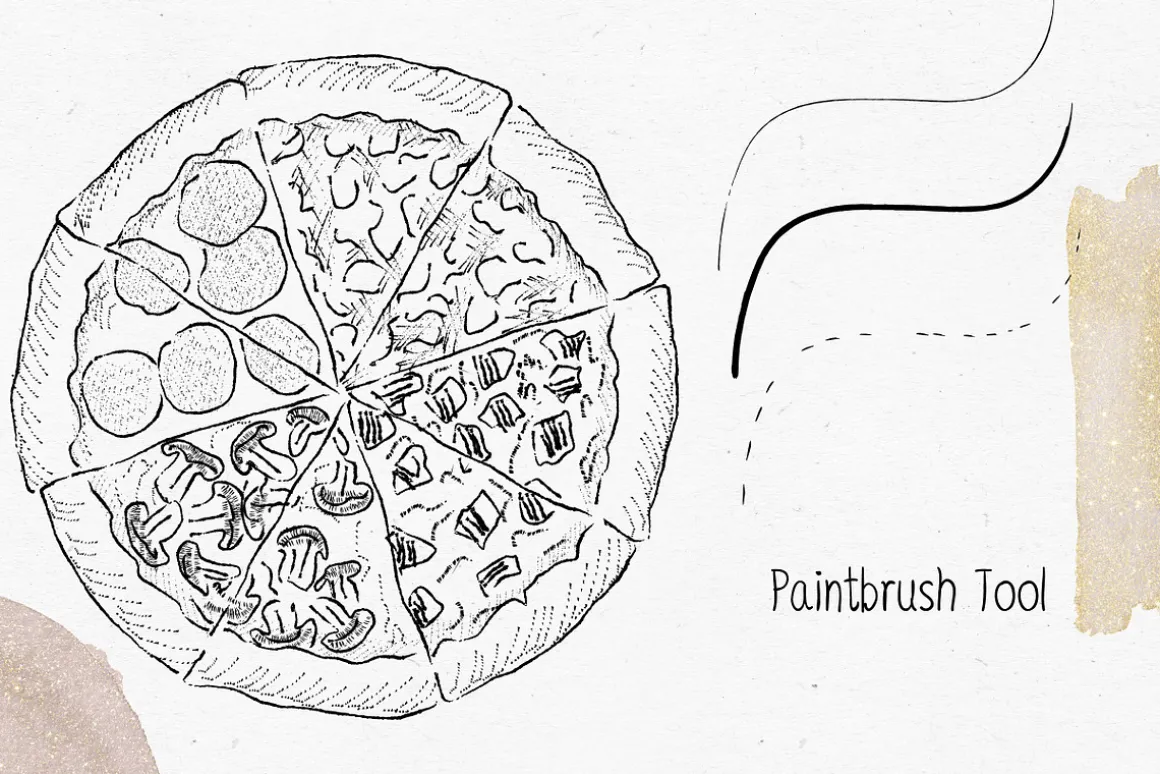
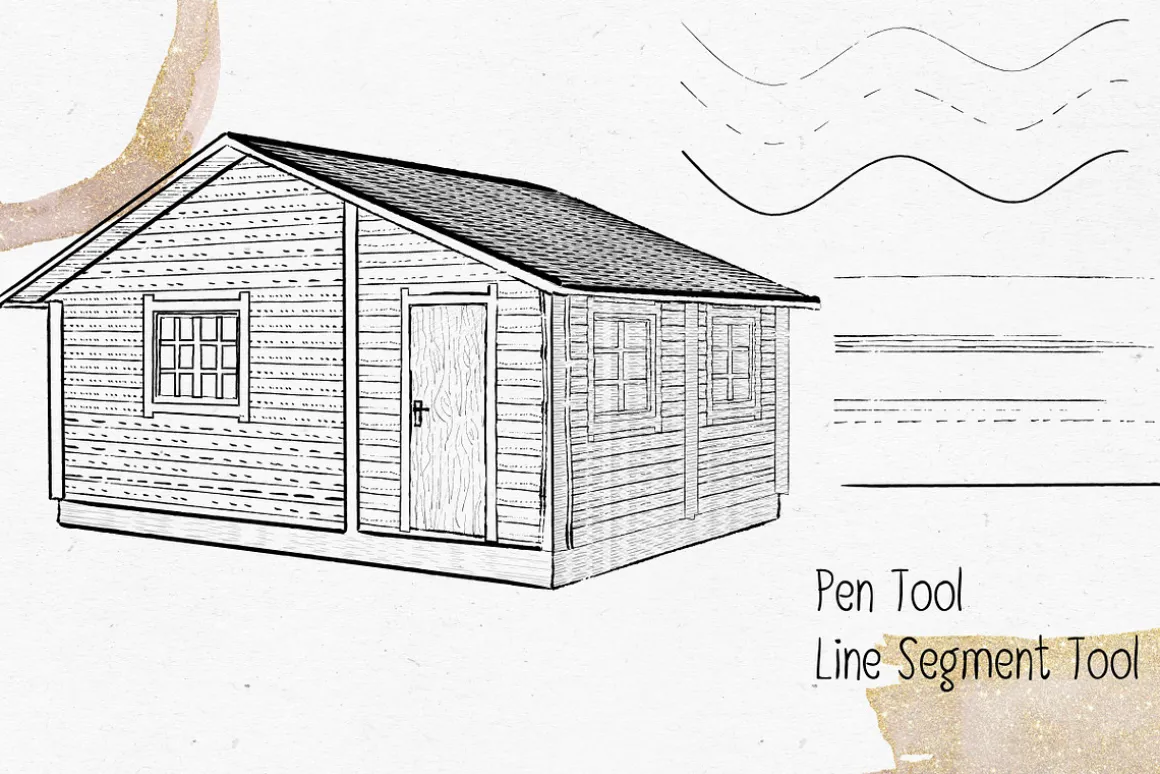
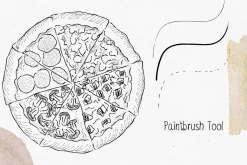
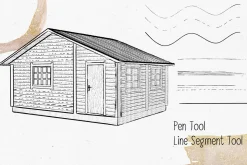
All brushes is hand drawn and work with such tools like Pen and Line Segment and hand drawing with graphic tablet and using Paintbrush tool.
With these brushes you can create retro illustrations effects and live hand drawn line effects.
Please use Object-Expand (or Expand appearance) for choose colors you want to use or just vectorize brush effects!
How to install brushes:
- Go to WindowBrush LibrariesOther Library
- Locate the Illustrator brush file, then click open.
- Your brushes will show up as a separate Brush Panel.
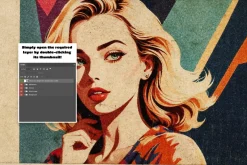
You can open the .ai or .eps file as a just Illustrator file. The file might look blank, but the brushes will appear in your Brushes Panel (WindowBrushes).
UPD: Added .ai PDF Compatible File
| Size | Commercial, Extended Commercial, Personal |
|---|
Be the first to review “Retro Ink AI Brushes”
Related products
Brushes & Effects
Adobe Lightroom
Brushes
Adobe Photoshop
Brushes
Adobe Photoshop
Brushes & Effects
Brushes
Brushes
Brushes


Brushes & Effects

Adobe Illustrator
Brushes

Brushes & Effects
Brushes & Effects
Reviews
There are no reviews yet.