SPORE DUSTER – Photoshop Edition
13,99 $
About
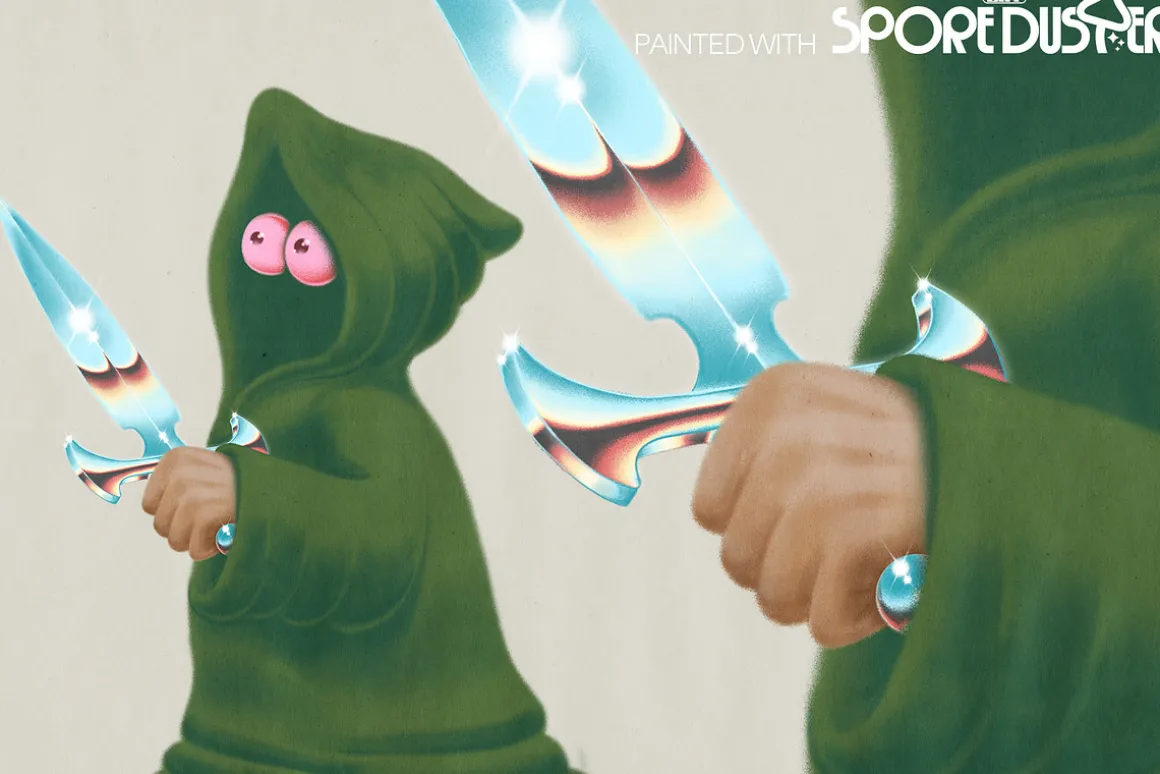
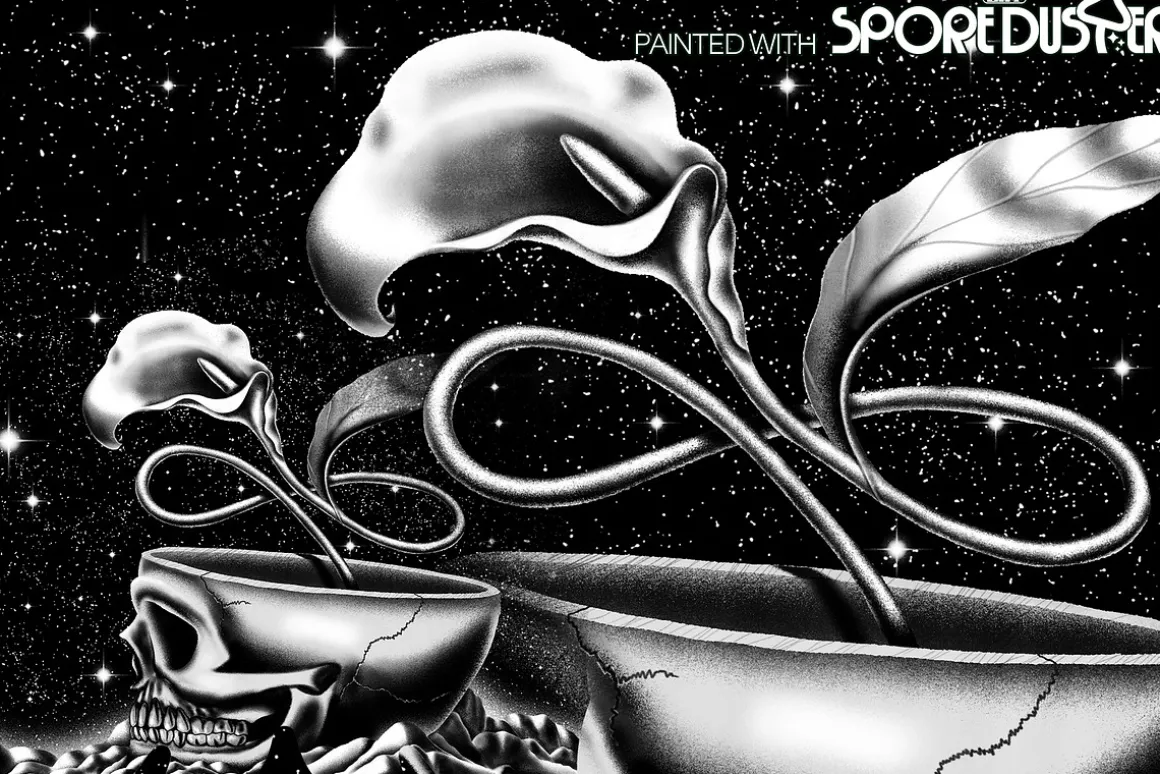
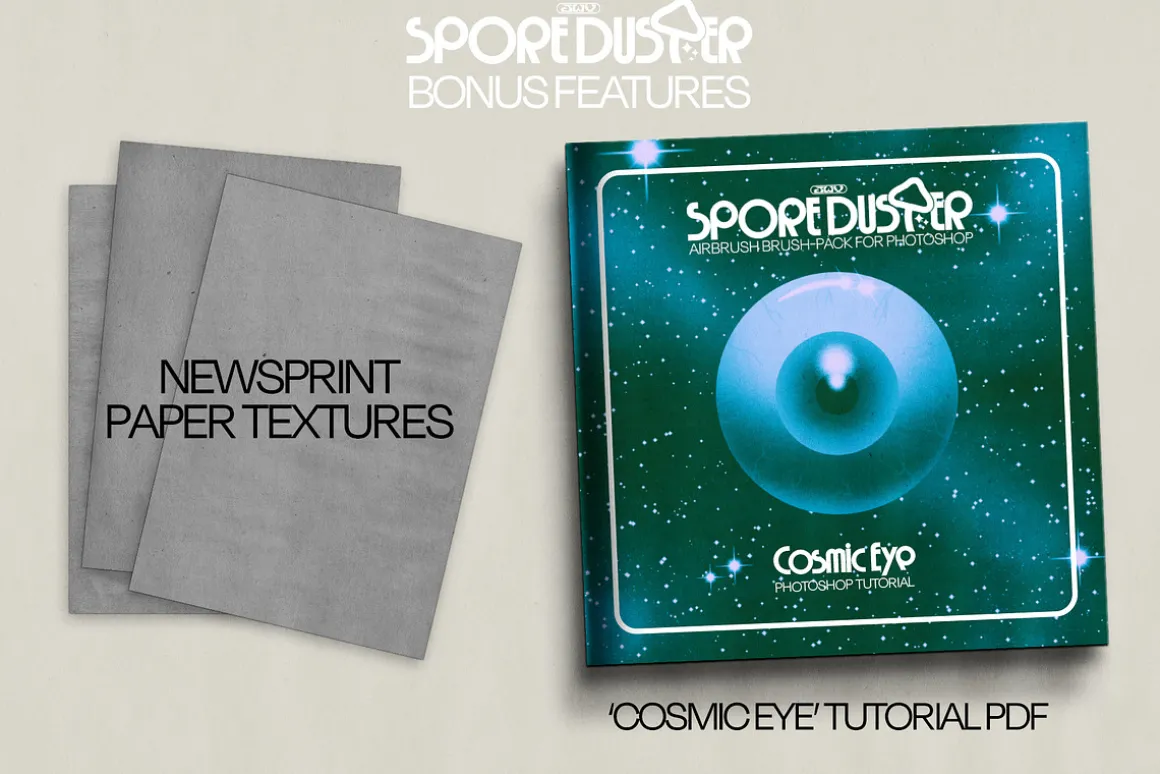
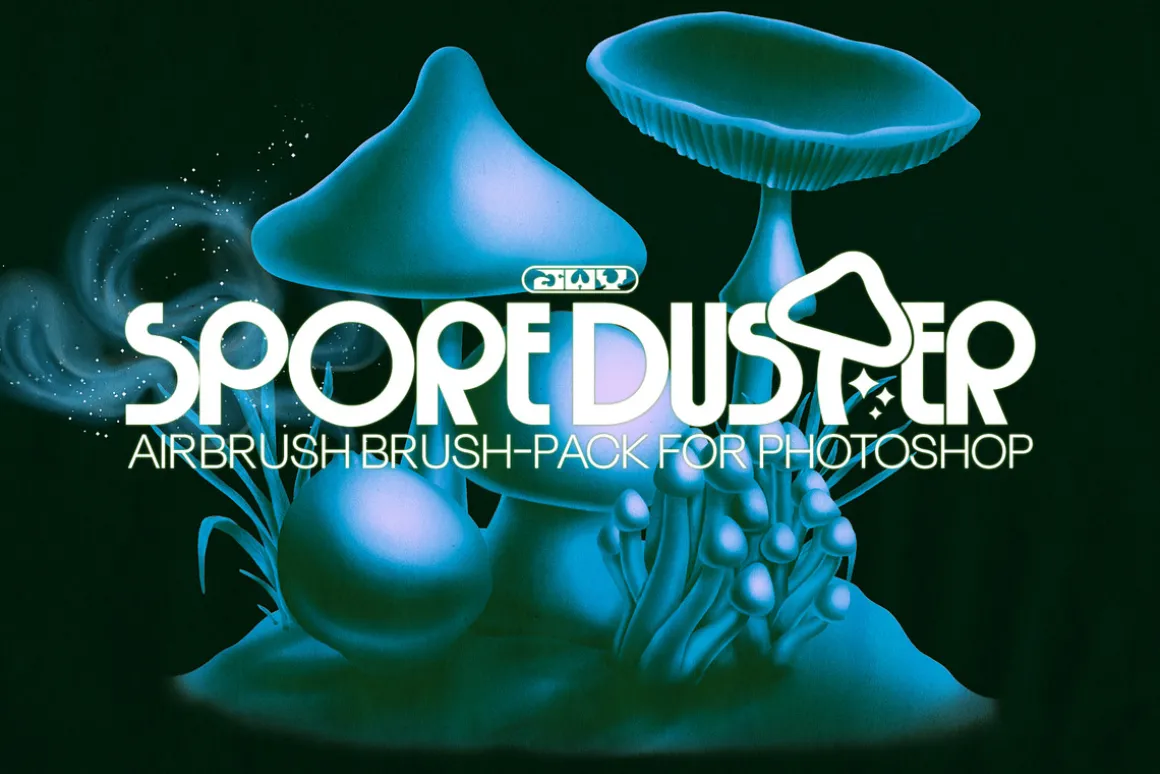
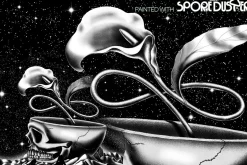
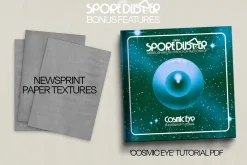
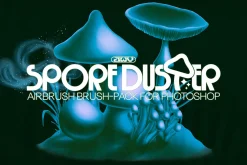
SPORE DUSTER for Photoshop is a ready-textured set of 17 airbrush-style brushes to help you get that classic grain in your illustrations. The pack also includes 3x bonus paper textures to give your art a physically printed quality AND a ‘COSMIC EYE’ Photoshop tutorial PDF booklet.
This grainy brush pack is made in a way that the grain stays at a consistent size, allowing you to resize the brush and get the control you need without scaling the grain texture, causing visual inconsistency.
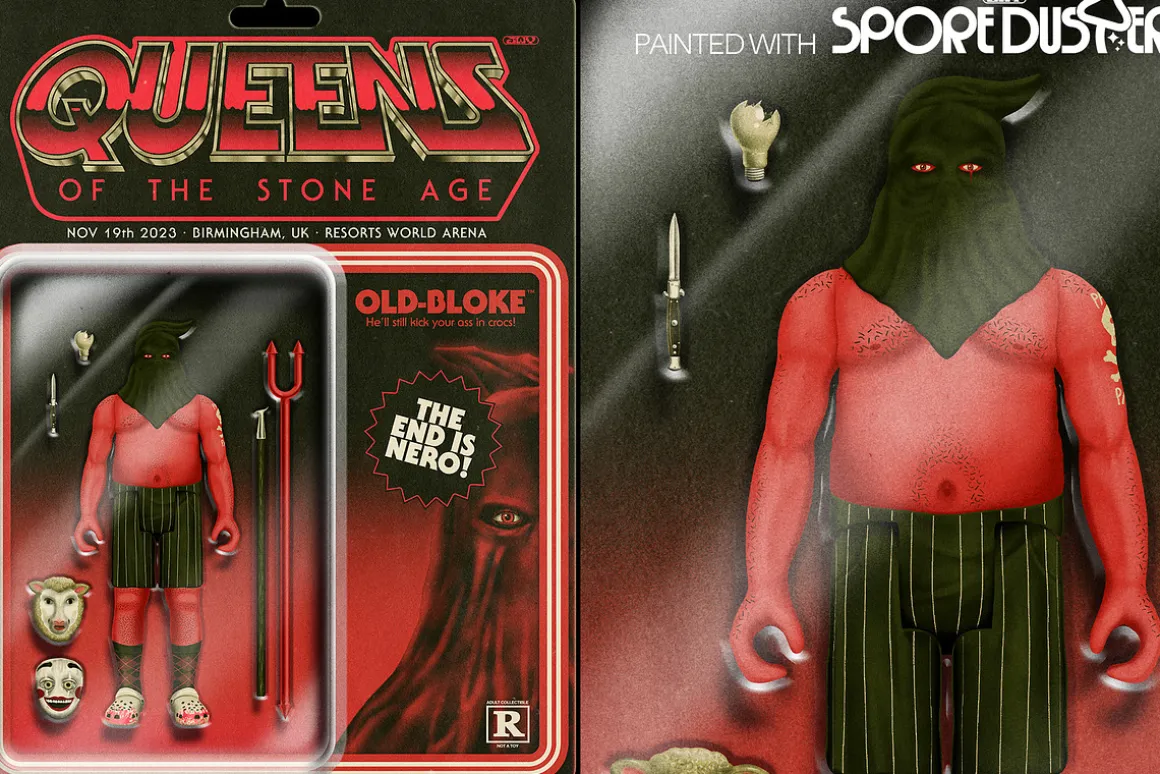
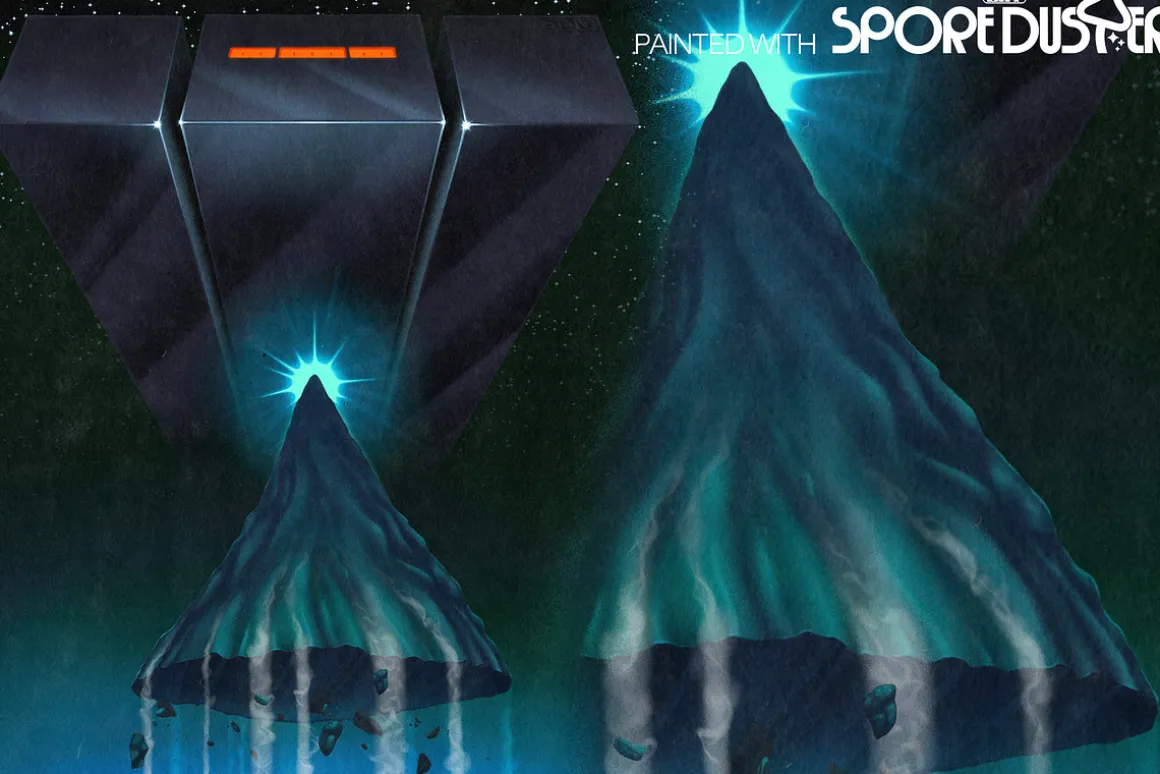
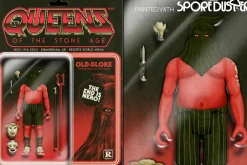
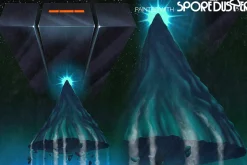
“If you’re familiar with my own illustration work you’ll know me for my retro styled airbrush art. I achieve my look with a combination of methods, but the No.1 tool is my custom set of brushes which I have used professionally for tons of client and personal artworks. NOW I’m handing the brushes over to the people!” – Jordan
THE BRUSHES IN THIS PACK
- STANDARD BRUSHES
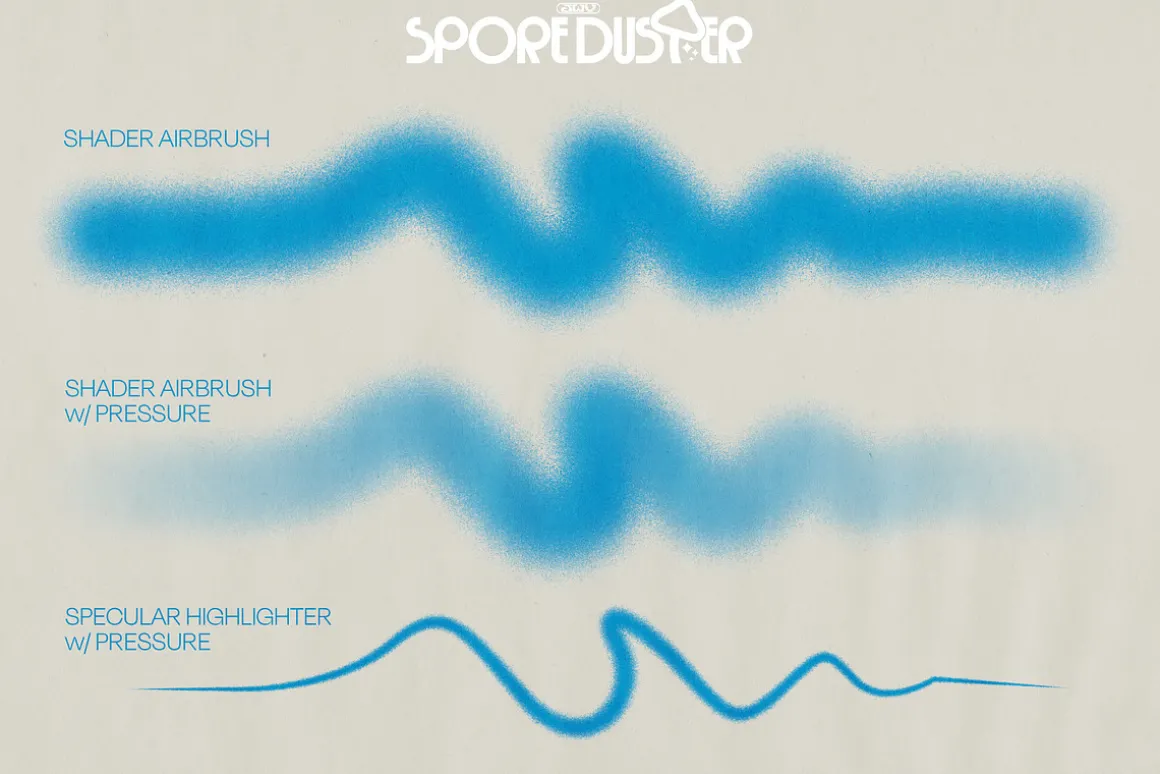
- Shader brush
- Eraser brush
- PRESSURE SENSITIVE BRUSHES
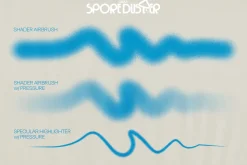
- Shader brush w/ opacity control
- Eraser brush w/ opacity control
- Specular highlight brush w/ size control
- SPATTER EFFECTS
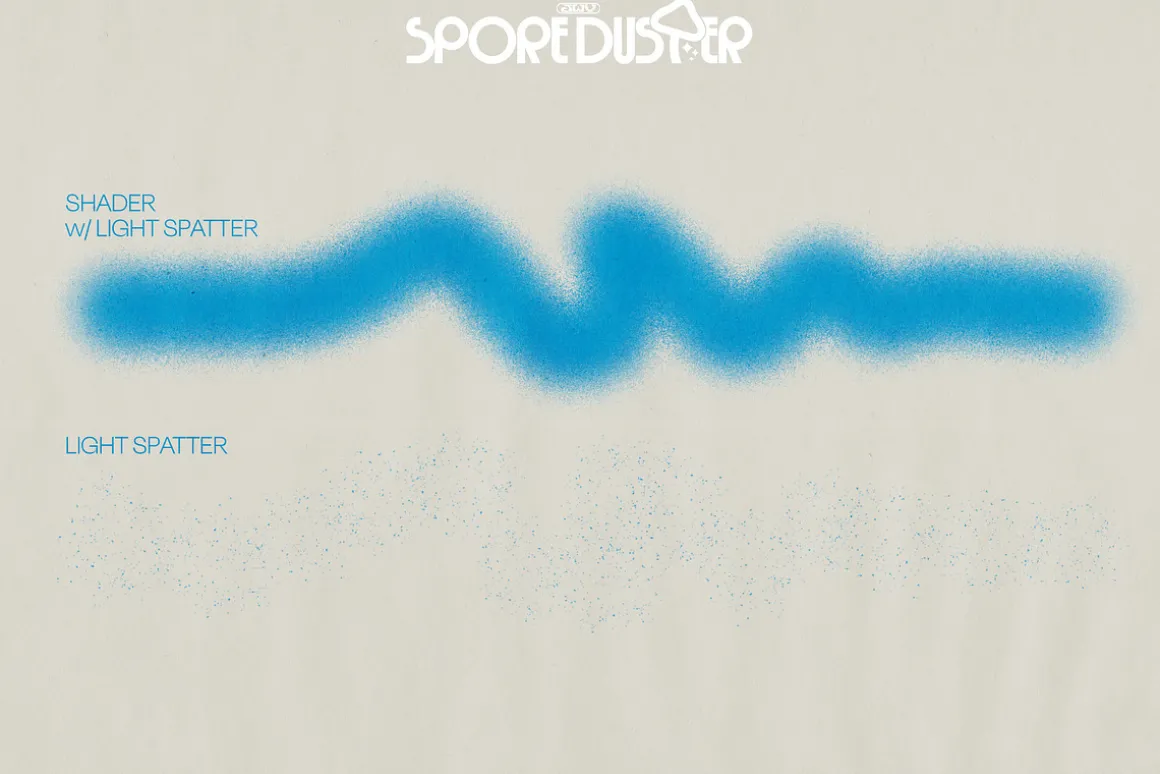
- Shader brush w/ Light spatter
- Light Spatter brush
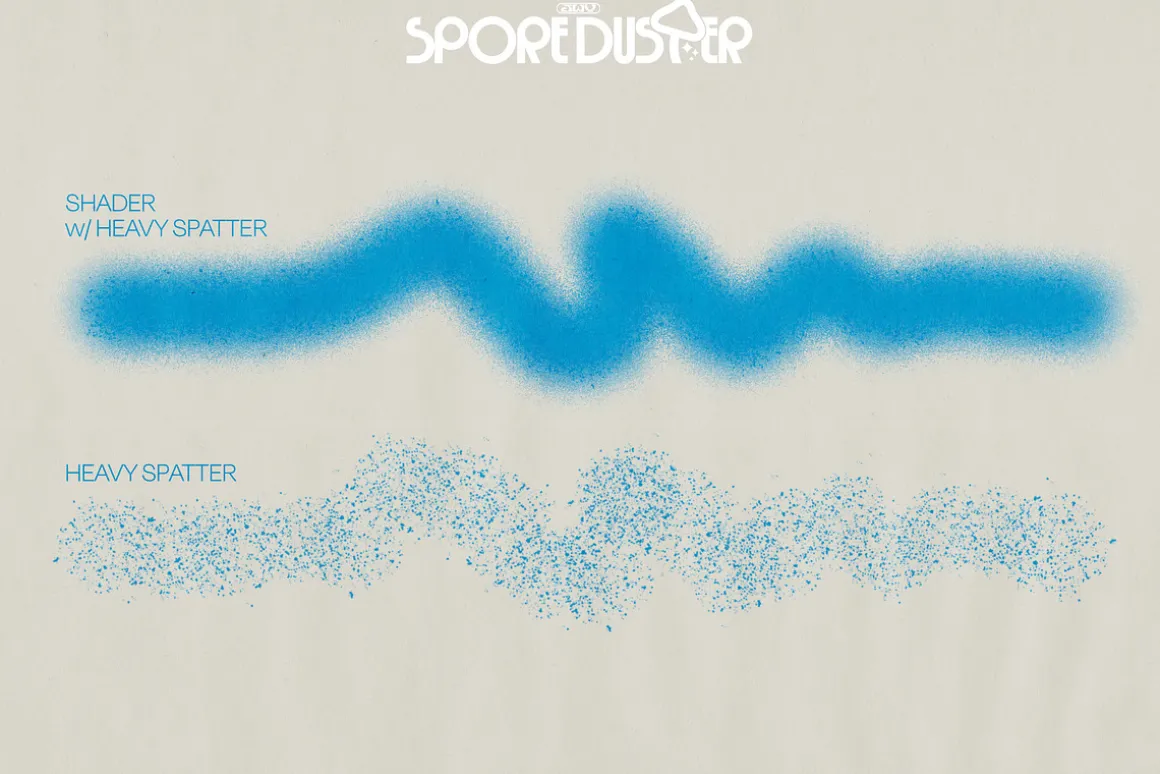
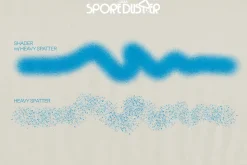
- Shader brush w/ Heavy spatter
- Heavy spatter brush
- GLINT EFFECTS
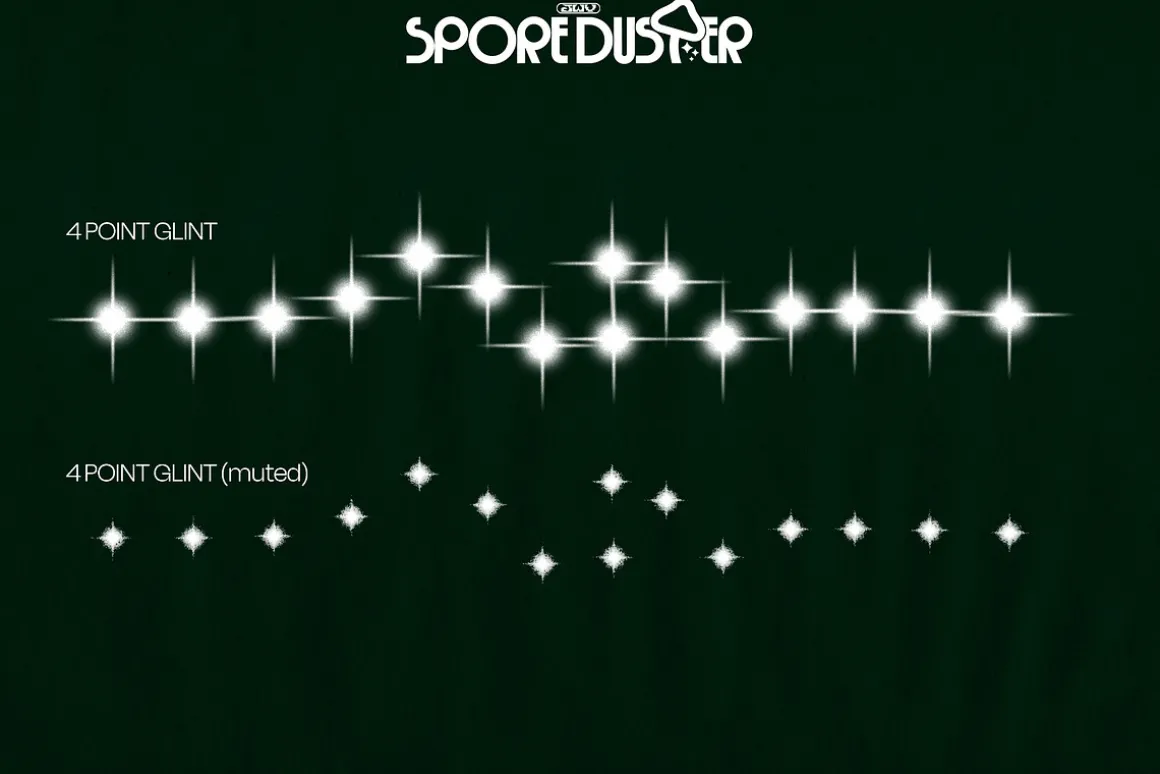
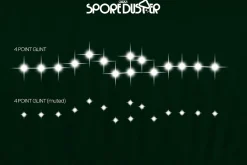
- 4 pointed glint
- 4 pointed glint (muted)
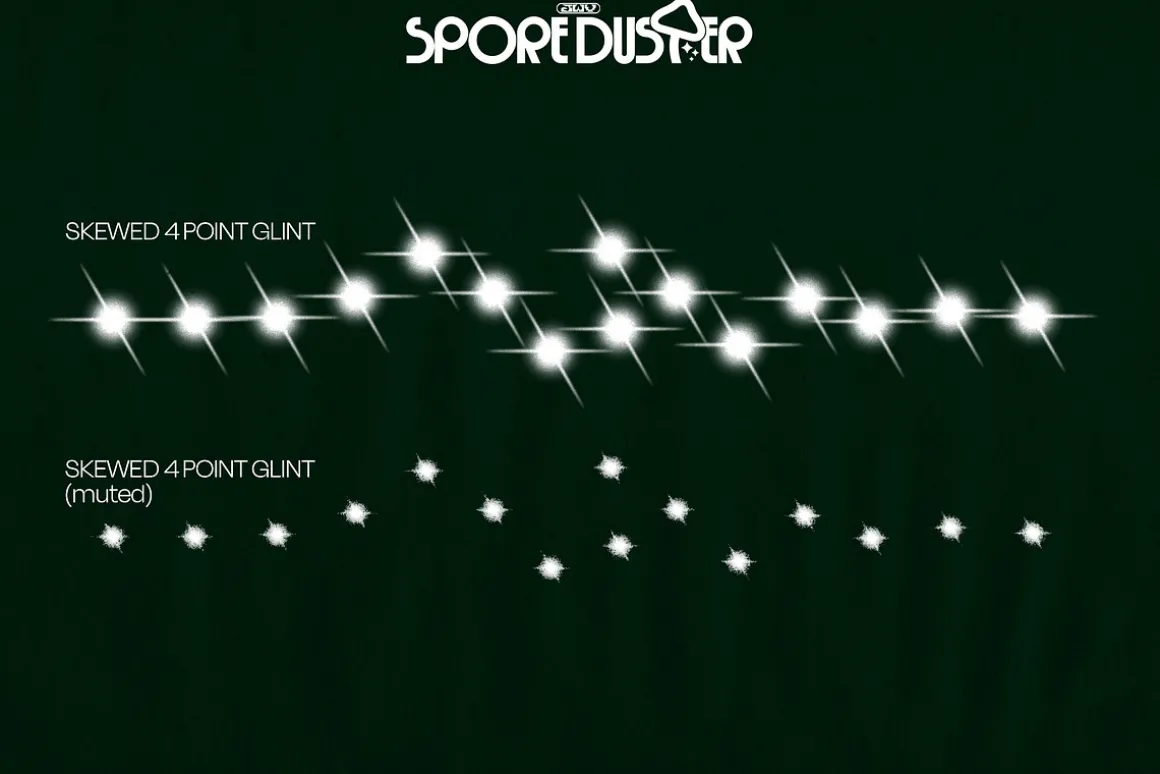
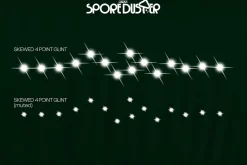
- Skewed 4 pointed glint
- Skewed 4 pointed glint (muted)
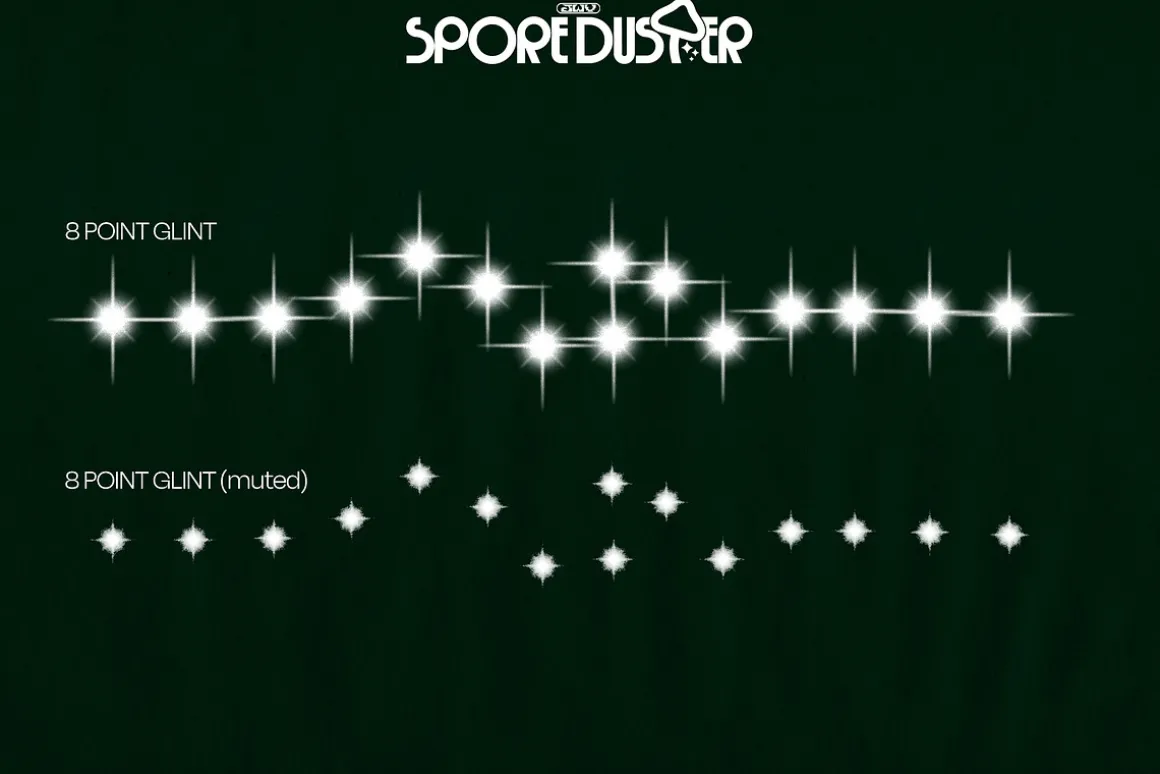
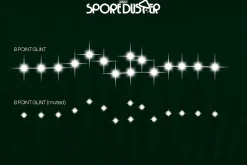
- 8 pointed glint
- 8 pointed glint (muted)
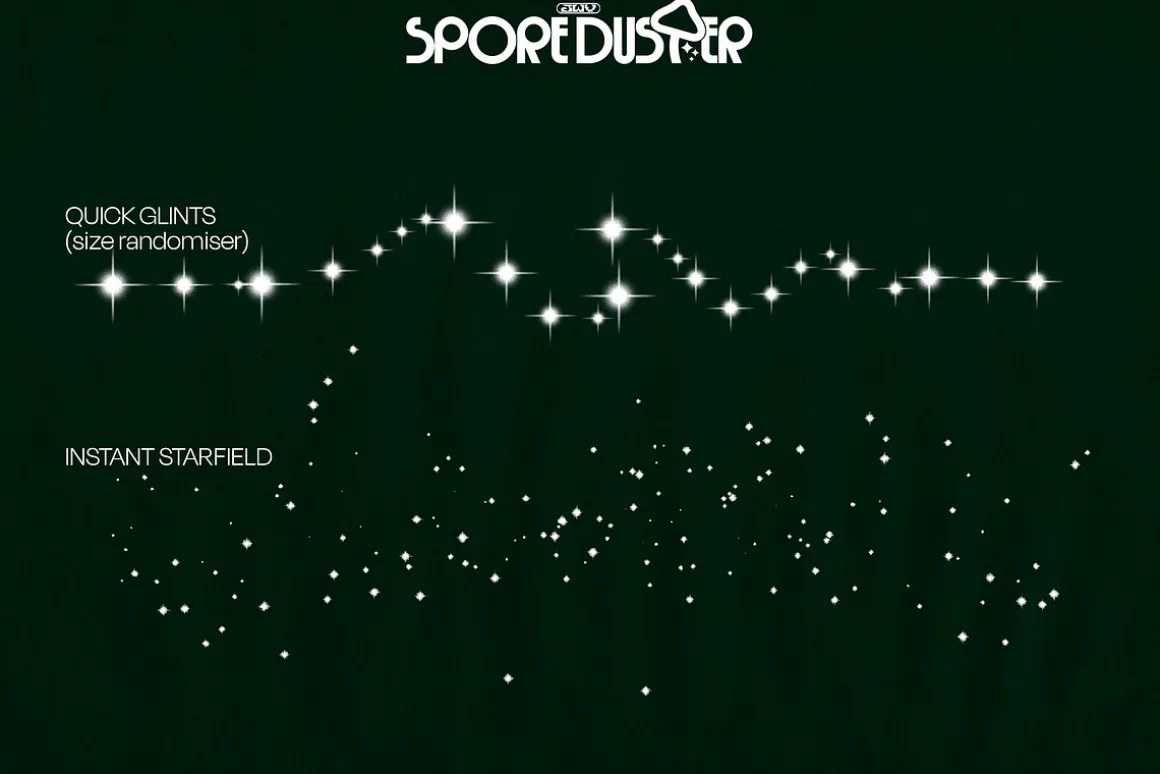
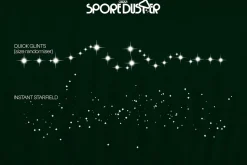
- Quick glints w/ size randomizer
- Instant Starfield (exactly what you think it is!)
ABOUT THE BRUSHES
The ‘Eraser’ Brushes
- These brushes are not accessed via the eraser tool but instead from the brush panel.“Why?!” I hear you ask? Time is a valuable commodity to an illustrator, so by having this faux eraser sit next to your shader brush,you can quickly jump between the two by simply using the , and . shortcut keys. Another reason is that for whatever purpose, I found that faux Eraser brushes have better grain texture than a textured eraser tool brush. Neat!
The Specular Highlighter Brush
- This brush is meant for adding sharp, bright highlights to your artwork, and with the pressure control, you can taper the line and blow it out. Then you can top it off with a ‘Glint’ effect brush
The Spatter Brushes
- The spatter brushes are meant to simulate a dirty or clogged airbrush, which results in some larger specs of paint amongst the fine spray. The effect can also be achieved on purpose. So with that in mind, these brushes are to help you get some extra textural variety.
The ‘Glint’ Effect Brushes
- A ‘Glint’ is just my name for this detail, but you might call it a lens flare, sparkle, or starburst. These effect brushes help to give that finishing touch to your artwork with little effort. The Instant Starfield brush does exactly what it say! Painting this across your canvas will give you randomised clusters of tiny glints, giving you an… instant… starfield.
PAPER TEXTURES
The included paper textures are to give your work some extra detail and take away that harsh digital feel. Simply change the blending mode to either Overlay, Soft light, or Hard light in combination with the layer opacity to dial in how severe you want the texture to look. You can even build up multiple subtle layers to get different looks.
DISCLAIMER!SPORE DUSTER COMES OPTIMISED FOR EITHER PHOTOSHOP OR PROCREATE. PLEASE MAKE SURE YOU ARE ADDING THE CORRECT VERSION TO YOUR BASKET BEFORE PURCHASING. ALL SALES ARE FINAL.
| Size | Commercial, Extended Commercial, Personal |
|---|
Be the first to review “SPORE DUSTER – Photoshop Edition”
Related products
Adobe Photoshop
Brushes

Adobe Lightroom
Brushes


Brushes & Effects
Brushes
Brushes

Adobe Lightroom
Brushes & Effects
Brushes
Brushes & Effects

Adobe Illustrator
Brushes & Effects
Brushes & Effects
Reviews
There are no reviews yet.