Sale!
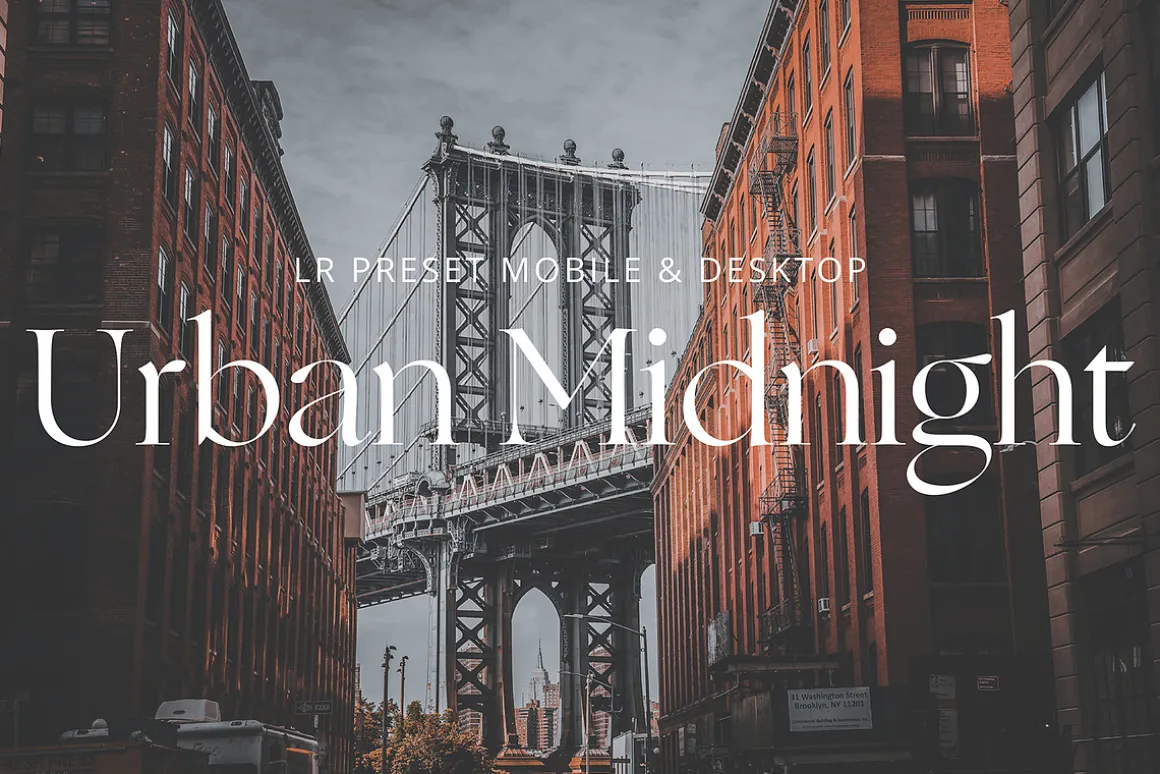
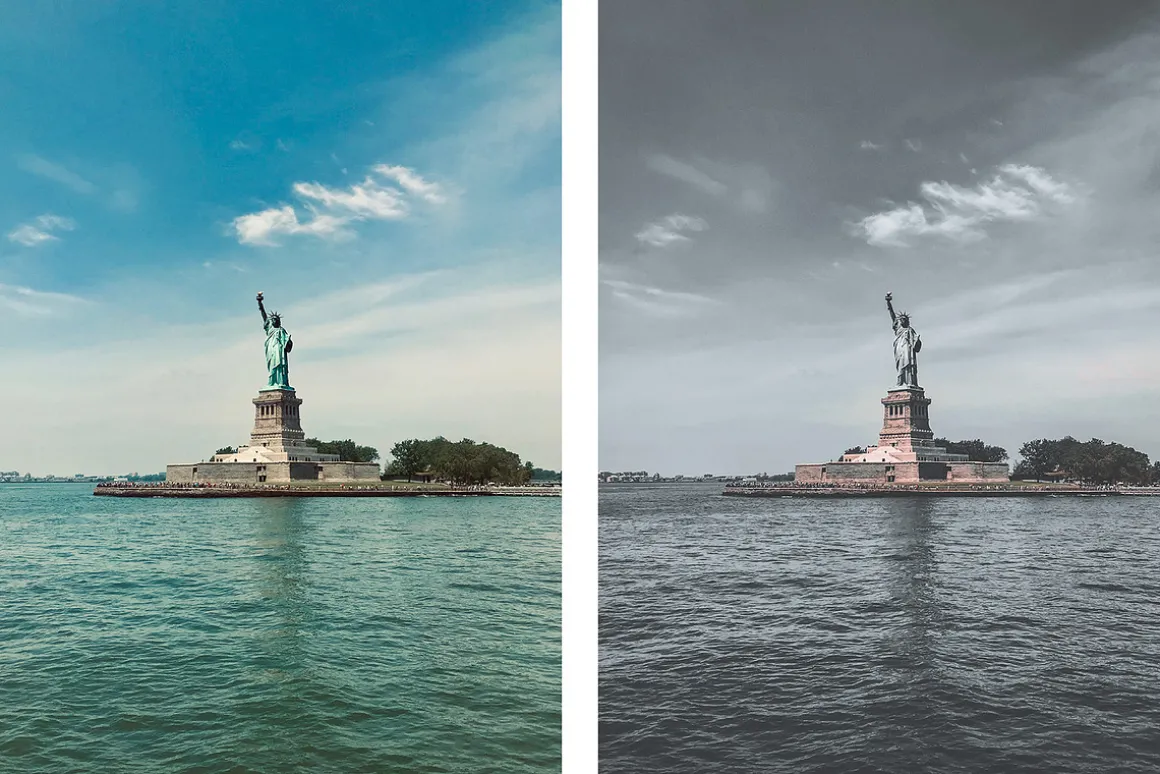
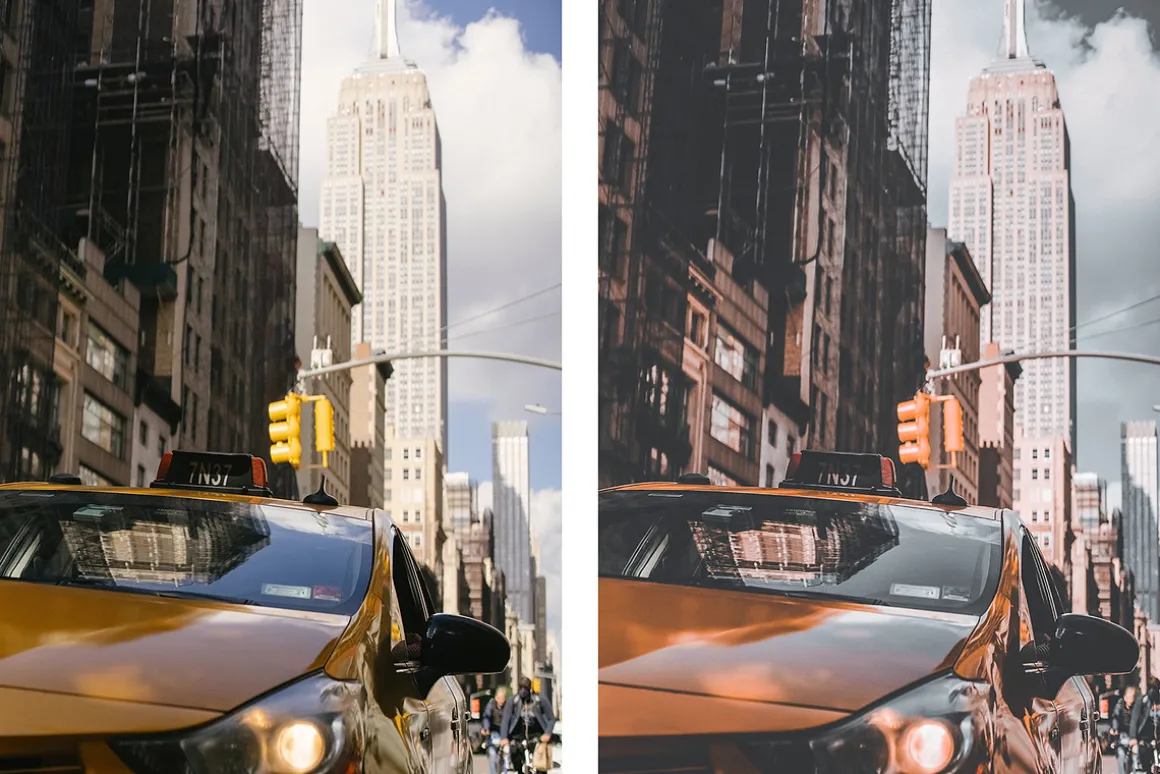
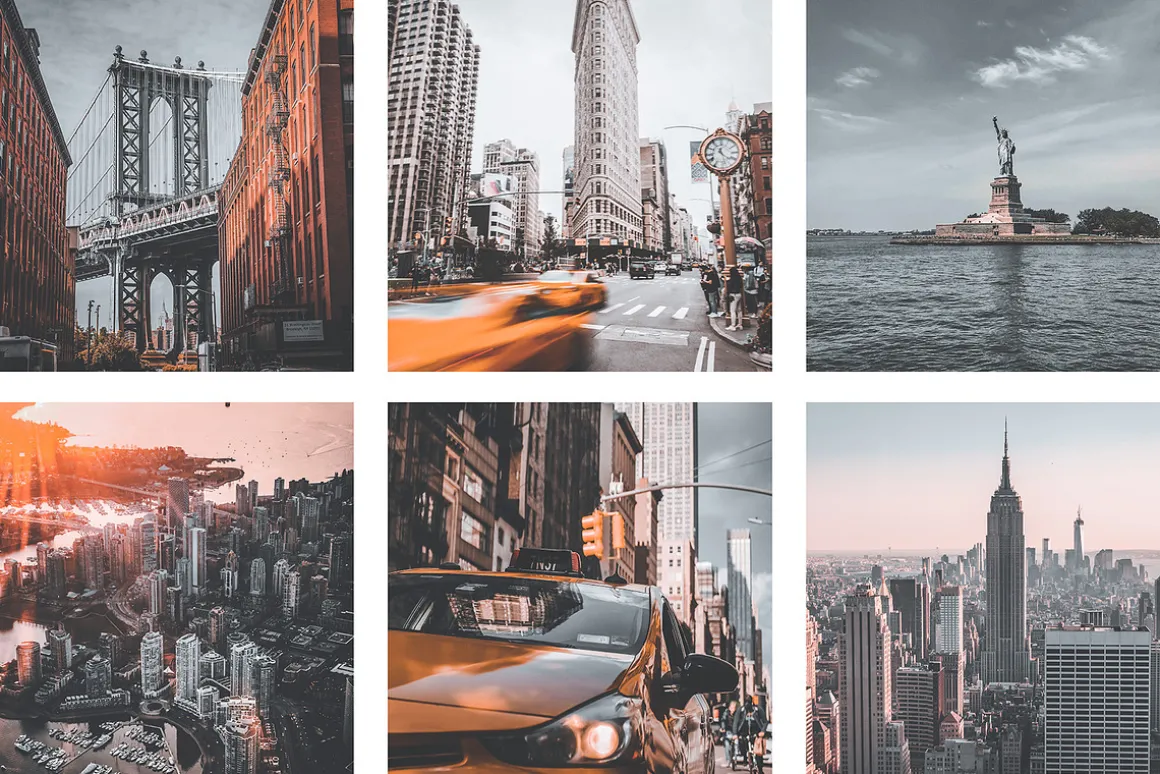
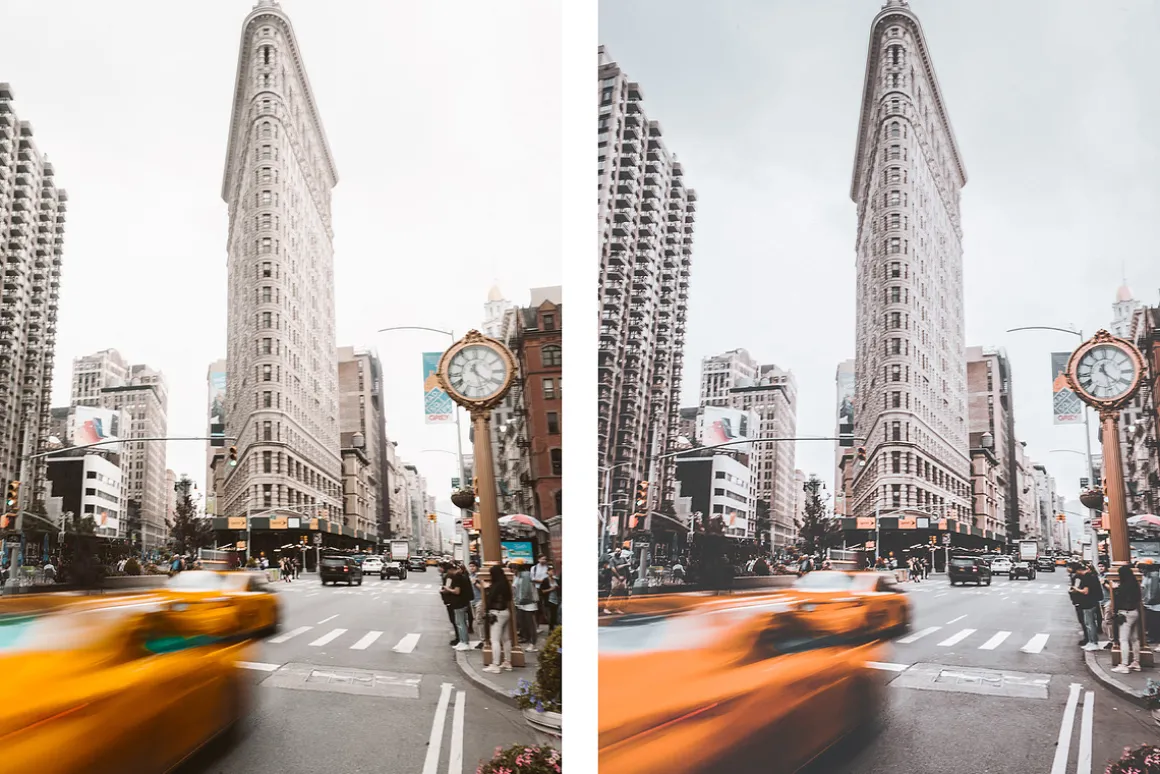
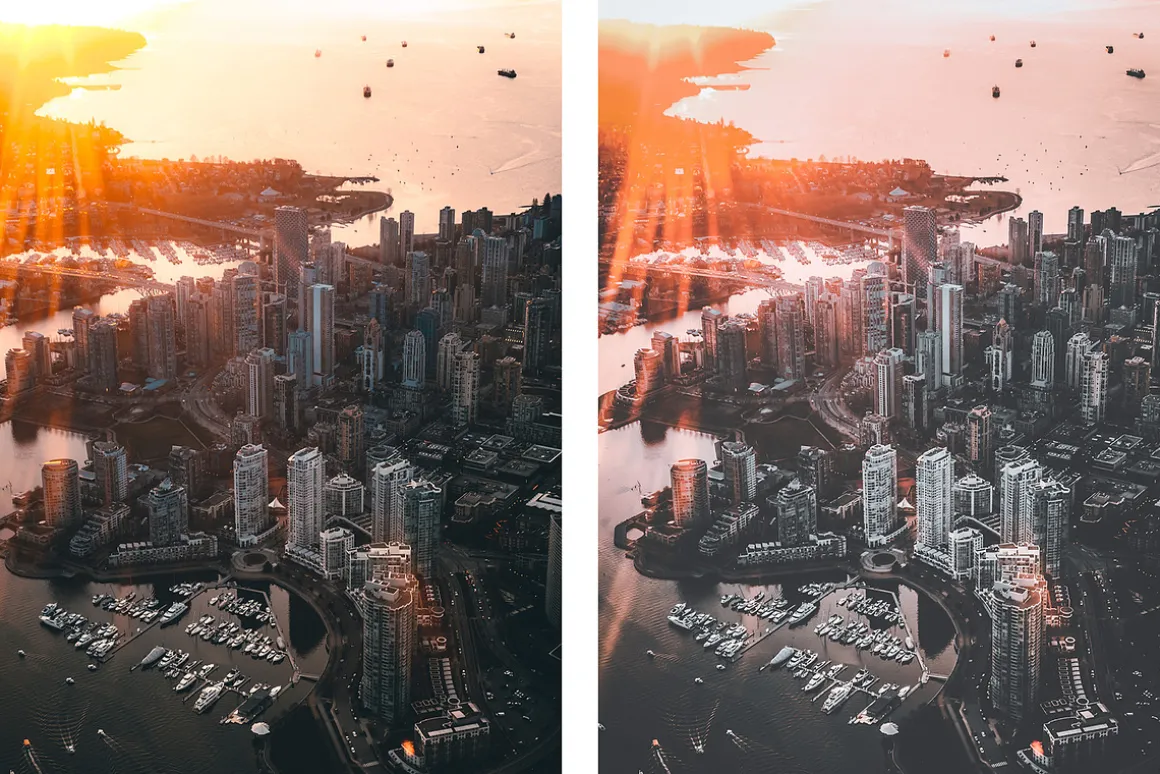
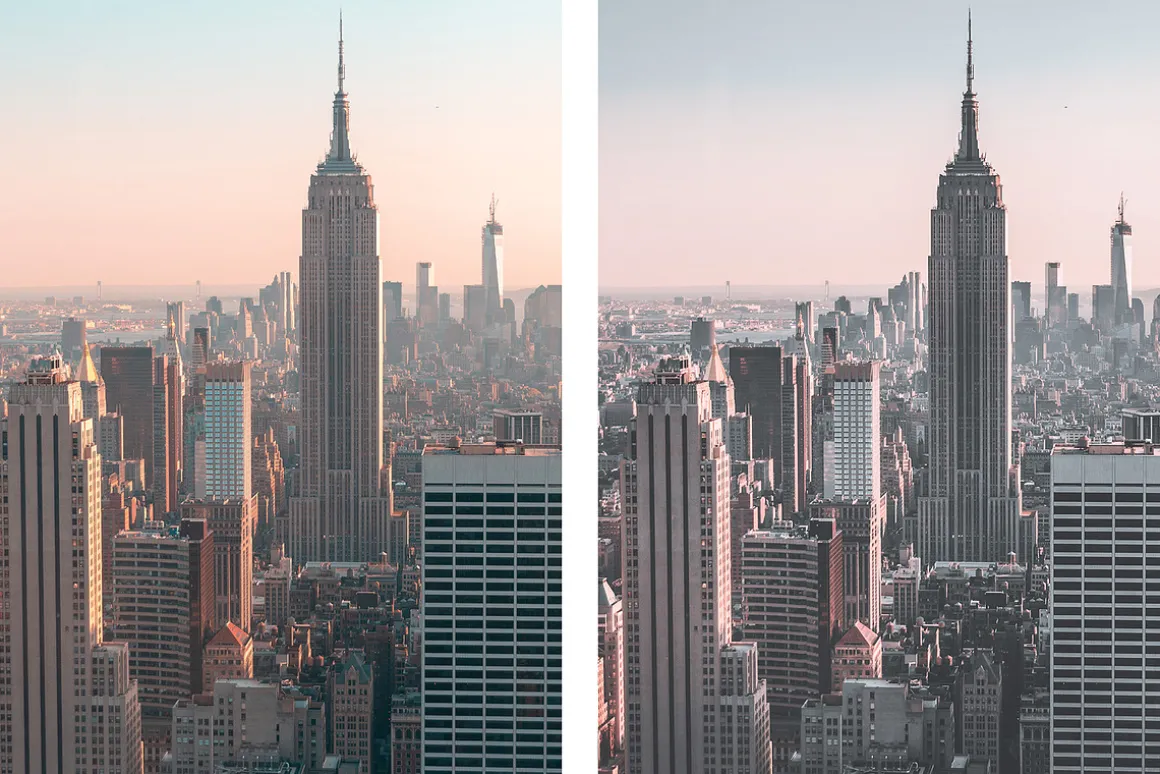
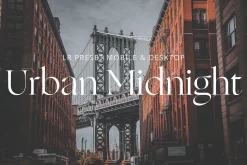
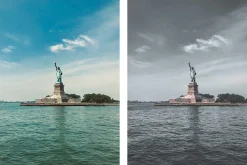
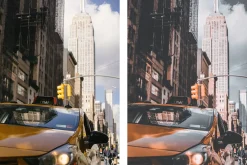
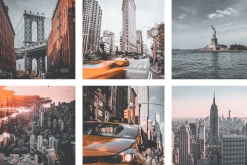
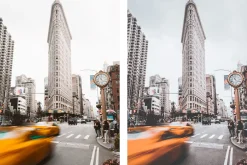
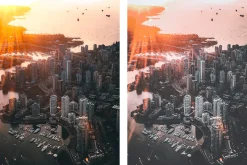
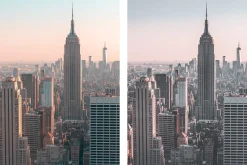
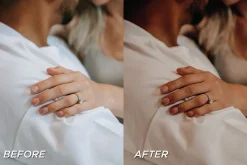
Urban Midnight | Lightroom Preset
Original price was: 12,00 $.9,89 $Current price is: 9,89 $.
About
Urban Midnight
Lightroom Preset
Cool & urban colors for easy photo editing.
perfect for ↓
- Cool city photos
- consistent & cool Instagram feed
- cities & outdoor photography
included ↓
- Preset Urban Midnight 01.dng
- Preset Urban Midnight 01.xmp
- compatible with all Lightroom versions
- Lifetime free product updates
Instructions Desktop ↓
- Open Lightroom
- Click FileImport Profiles and Presets
- Select .xmp files
- The preset will now appear in your Lightroom library
Instructions Mobile ↓
- Send .dng file to your phone
- Open Lightroom Mobile
- Click on the + Icon
- Import from your files or gallery
- select & open .dng file
- Click on the three dots in the top right cornercreate preset
- Give name, save & apply to your photos
Nice to meet you ↓
- @vikam.media
Please let me know if you have any questions, Alisa 🤍
| Size | Commercial, Extended Commercial, Personal |
|---|
Be the first to review “Urban Midnight | Lightroom Preset”
Related products

Brushes
11,99 $
Sale!
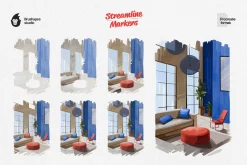
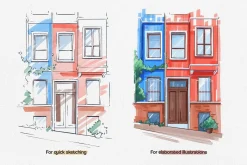
Brushes
Original price was: 18,00 $.12,89 $Current price is: 12,89 $.
Sale!
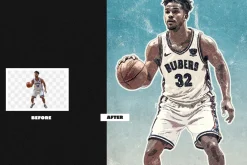
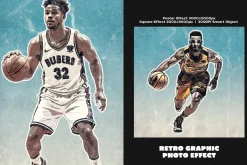
Brushes & Effects
Original price was: 9,00 $.6,89 $Current price is: 6,89 $.
Brushes
20,89 $

Brushes
10,89 $
Brushes & Effects
6,99 $
Sale!
Original price was: 14,00 $.10,99 $Current price is: 10,99 $.
Brushes & Effects
8,99 $
Sale!
Adobe Photoshop
Original price was: 12,00 $.8,89 $Current price is: 8,89 $.

10,89 $
Sale!
Brushes & Effects
Original price was: 15,00 $.10,99 $Current price is: 10,99 $.
Sale!

Adobe Illustrator
Original price was: 22,00 $.16,89 $Current price is: 16,89 $.
Sale!

Brushes
Original price was: 59,00 $.42,99 $Current price is: 42,99 $.

Brushes & Effects
6,99 $
Sale!
Adobe Lightroom
Original price was: 123,00 $.84,99 $Current price is: 84,99 $.
Sale!
Brushes
Original price was: 11,00 $.7,89 $Current price is: 7,89 $.
Reviews
There are no reviews yet.