

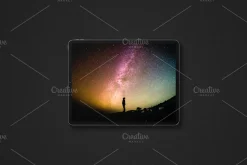
Video Frame Mockup, Motion Mockup
Original price was: 10,00 $.7,89 $Current price is: 7,89 $.
About
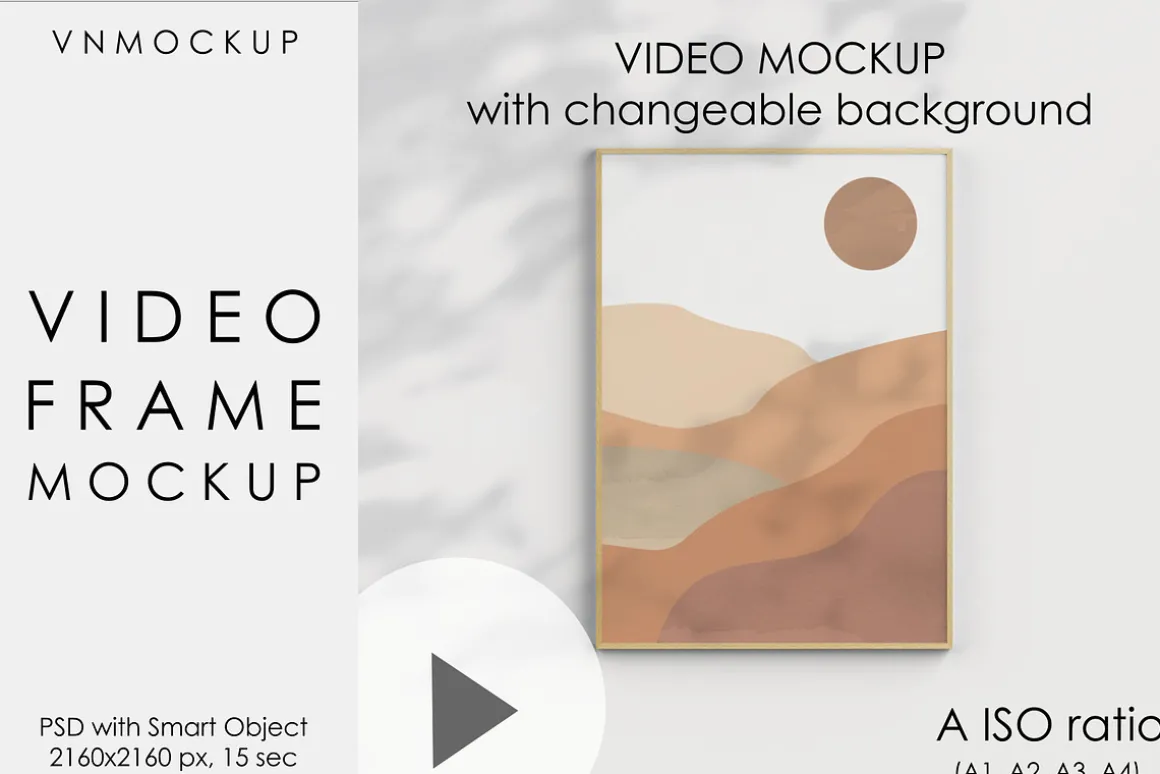
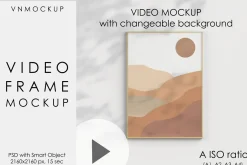
Video Frame Mockup, Motion Mockup Photoshop, Animated A ISO Frame Mockup
INSTANT DOWNLOAD
No physical items will be shipped.
WHAT YOU GET
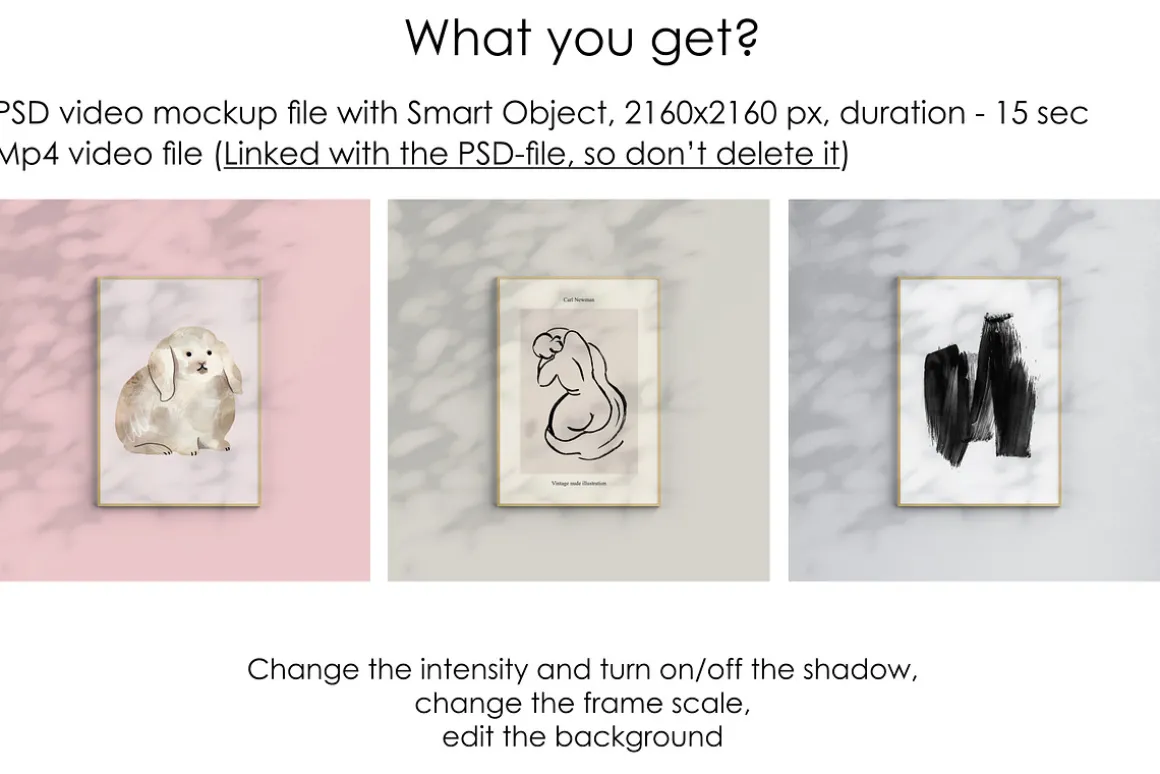
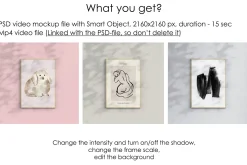
PSD video mockup file with Smart Object, 2160×2160 px, duration – 15 sec
Mp4 video file (Linked with the PSD-file, so don’t move or delete it)
EDIT EVERYTHING: Change the intensity and turn on/off the shadow, change the frame scale, edit the background
HOW IT WORKS?
-
Open a PDF file with a link for the mockup. Follow it.
-
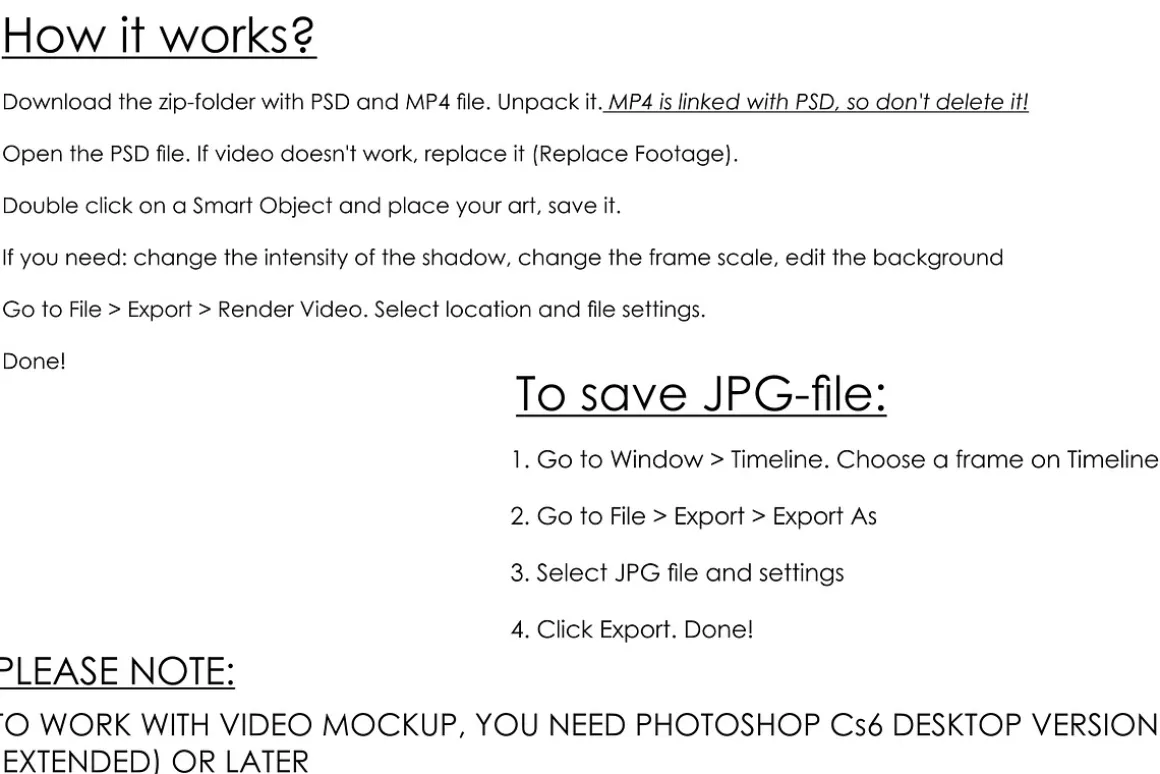
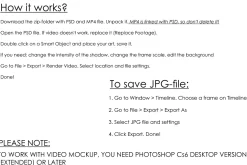
Download the zip-folder with PSD and MP4 file. Unpack it. MP4 is linked with PSD, so don’t delete it!
-
Open the PSD file. If video doesn’t work, replace it (Replace Footage).
-
Double click on a Smart Object and place your art, save it.
-
If you need: change the intensity of the shadow, change the frame scale, edit the background
-
Go to FileExportRender Video. Select location and file settings. Done!
TO SAVE JPG FILE:
-
Go to WindowTimeline. Choose a frame on Timeline
-
Go to FileExportExport As
-
Select JPG file and settings
-
Click Export. Done!
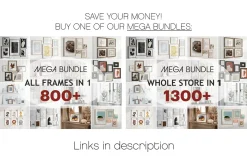
SAVE YOUR MONEY! BUY ONE OF OUR MEGA BUNDLES:
FRAME MOCKUP BUNDLE “ALL FRAMES IN 1”:
MEGA MOCKUP BUNDLE “ALL SHOP IN 1”:
| Pick | Commercial, Extended Commercial, Personal |
|---|
Be the first to review “Video Frame Mockup, Motion Mockup”
Related products
Device Mockups
Books & Magazines
Landing Pages
Keynote
Templates


Photoshop
Holidays & Events
Device Mockups


Templates

Powerpoint
Cvs

Holidays & Events
Reviews
There are no reviews yet.